Client Portal
White-label branded experience
Project Management
End-to-end delivery tracking
AI-Powered
Smart workflow automation
30%
Faster Implementations
100%
Project Visibility
Zero
Missed Requirements
90%
Client Satisfaction
Capabilities
Key Features
Everything you need to streamline your operations and delight clients.
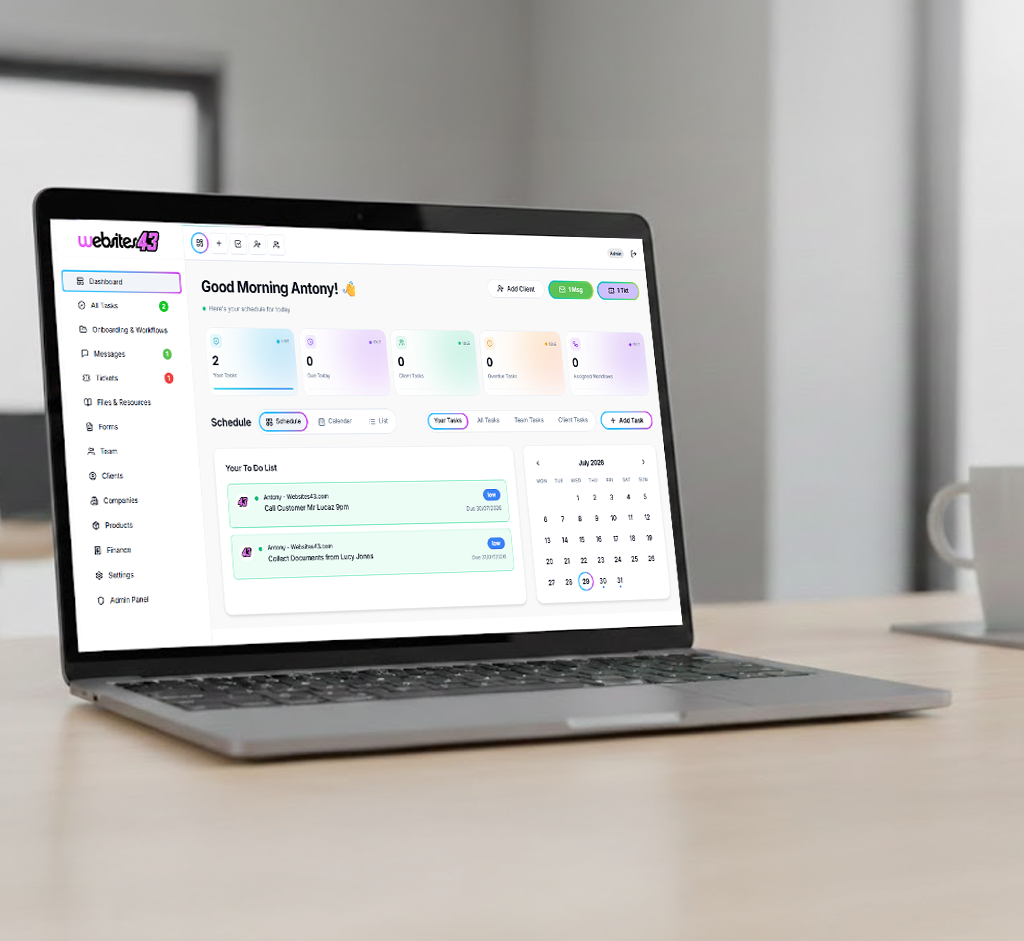
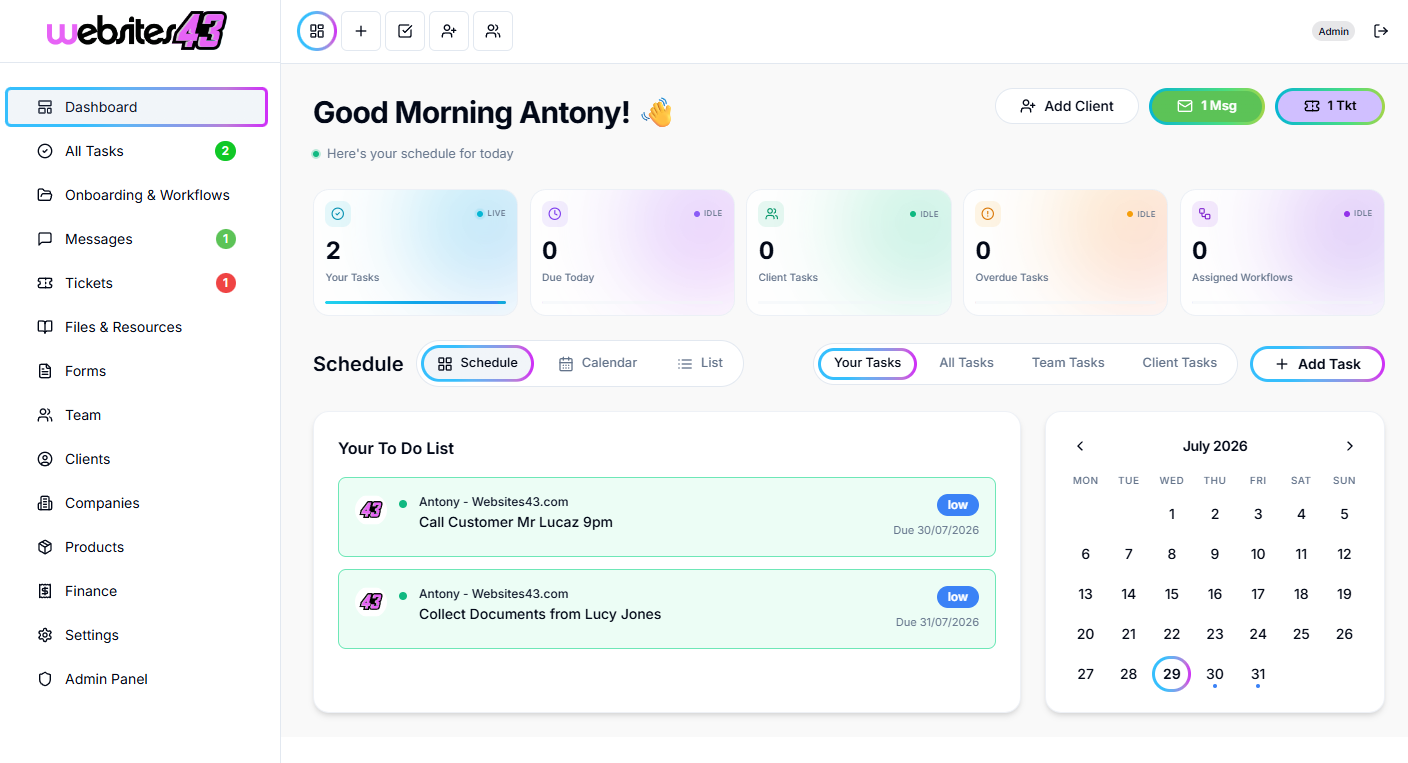
Implementation Project Hub
Map phases, milestones, and dependencies for complex CRM rollouts. Everyone knows what's next and what's blocking progress.
Requirements Collection
Structured intake forms capture business requirements, integration needs, and customization requests without missing critical details.
Stakeholder Management
Coordinate across IT, sales, marketing, and leadership. Role-based access ensures everyone sees exactly what they need.
Configuration Tracking
Document decisions, track customizations, and maintain a clear record of what was built and why for future reference.
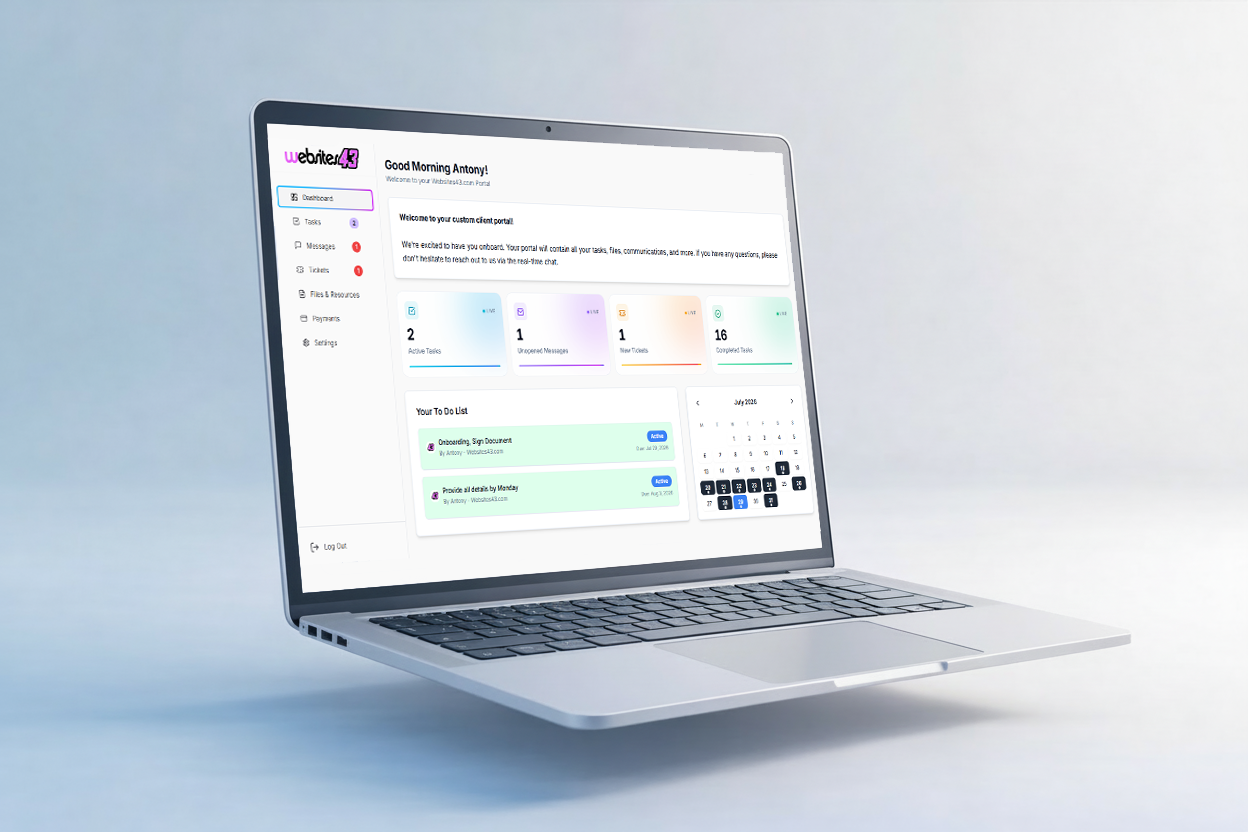
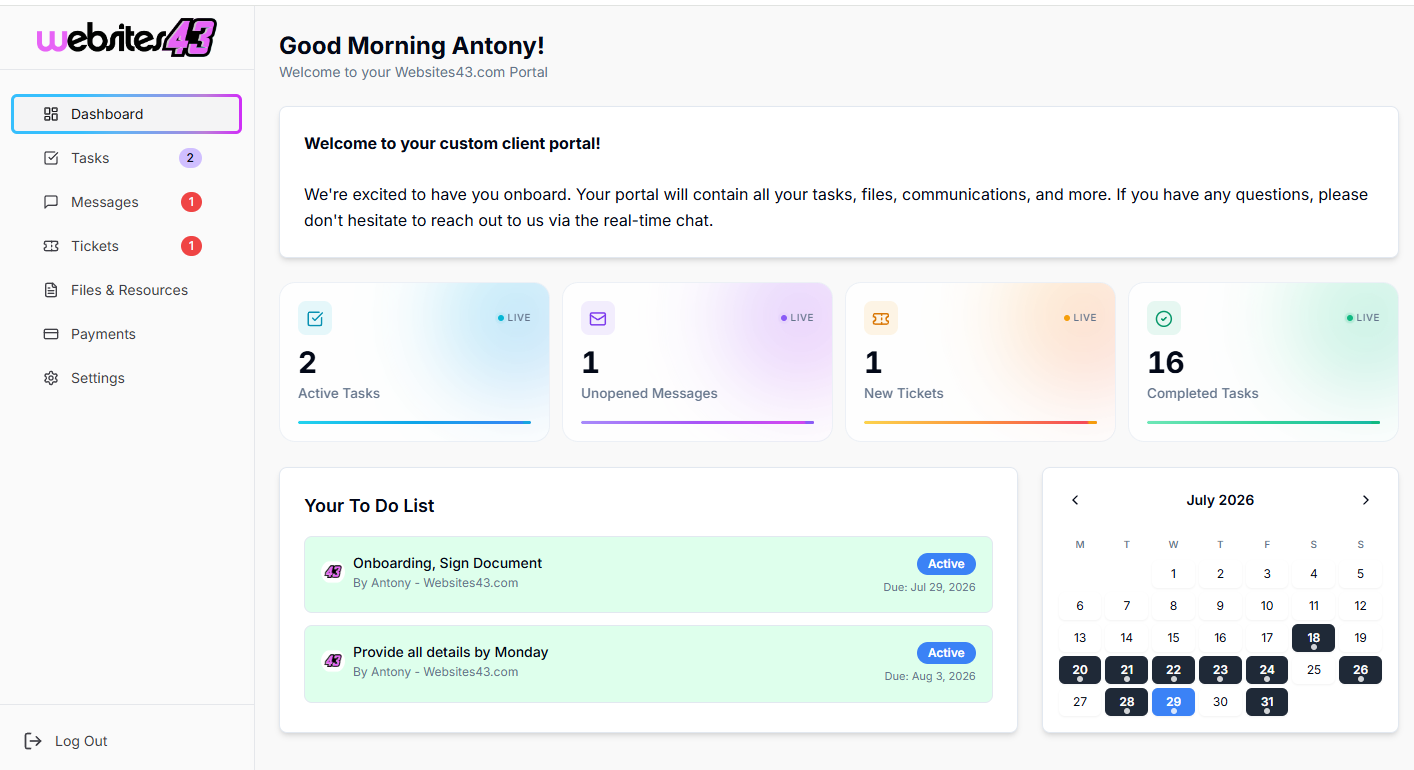
Progress Dashboards
Executive-friendly views show project health, upcoming milestones, and completion percentage—no status meeting required.
Go-Live Checklists
Automated checklists ensure nothing slips through during cutover. Track training completion, data migration, and sign-offs.
Use Cases
How Teams Use HaloTasker
Manage Salesforce, HubSpot, or Dynamics implementations end-to-end
Collect and organize client requirements in structured formats
Track data migration progress and validation checkpoints
Coordinate user training schedules and completion tracking
Document customizations and configurations for support handoff

"Our implementations are 30% faster and clients are way happier. They can see exactly where things stand, which eliminated the constant 'where are we?' calls."
RM
Robert Martinez
Practice Director, Apex CRM Partners
Benefits
Why businesses choose HaloTasker
Reduce implementation timelines by 30%
Capture all requirements upfront—no surprises later
Keep multiple stakeholders aligned without meeting overload
Maintain complete project documentation for handoff
Scale your practice without proportional overhead
Differentiate with a professional client experience

Frequently Asked Questions
Common questions about crm implementation
Who is this for?
For CRM implementation consultants and partners working on Salesforce, HubSpot, Zoho, Microsoft Dynamics and similar platforms.
Can each implementation have its own workspace?
Yes. Every customer implementation gets a private branded workspace with milestones, deliverables and stakeholders.
Does it replace project tools like Jira?
Most CRM consultancies use HaloTasker for client-facing project tracking and keep Jira for internal engineering work.
Can I share project plans with multiple stakeholders?
Yes. Invite multiple stakeholders per implementation with role-based permissions.