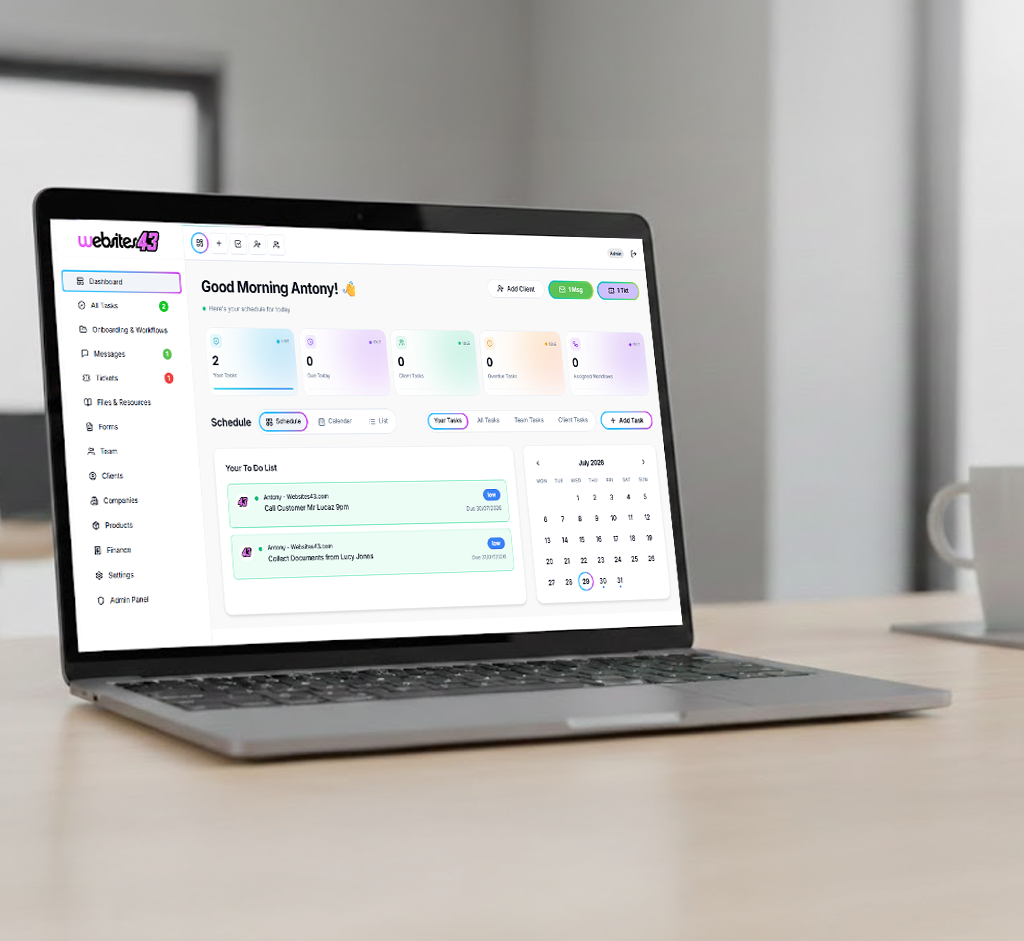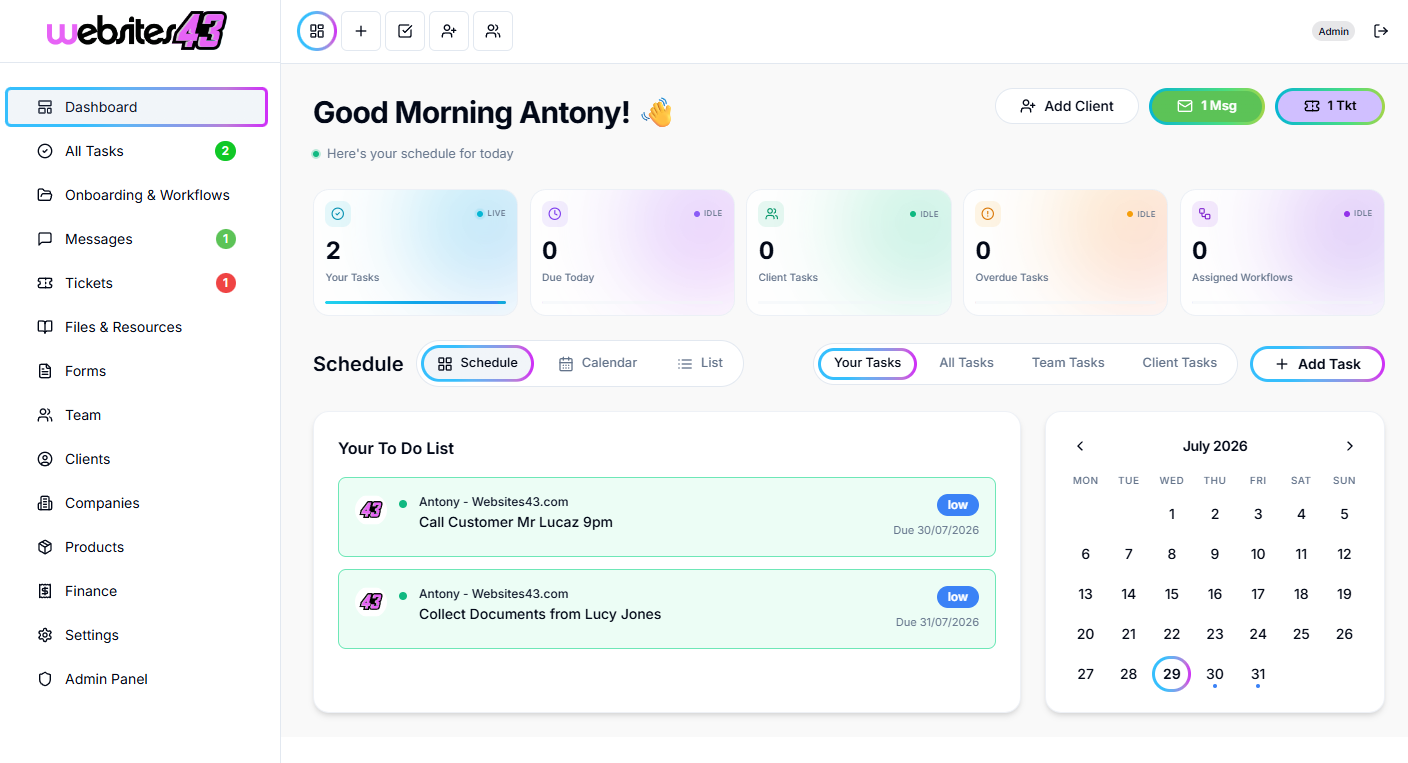
Do the work once. Let the workflow do it every time after.
Build a workflow for each thing you do again and again, such as onboarding a new customer or delivering a job, and HaloTasker assigns the tasks, collects what it needs and chases what is late.
- Visual workflow editor
- Automatic chasers
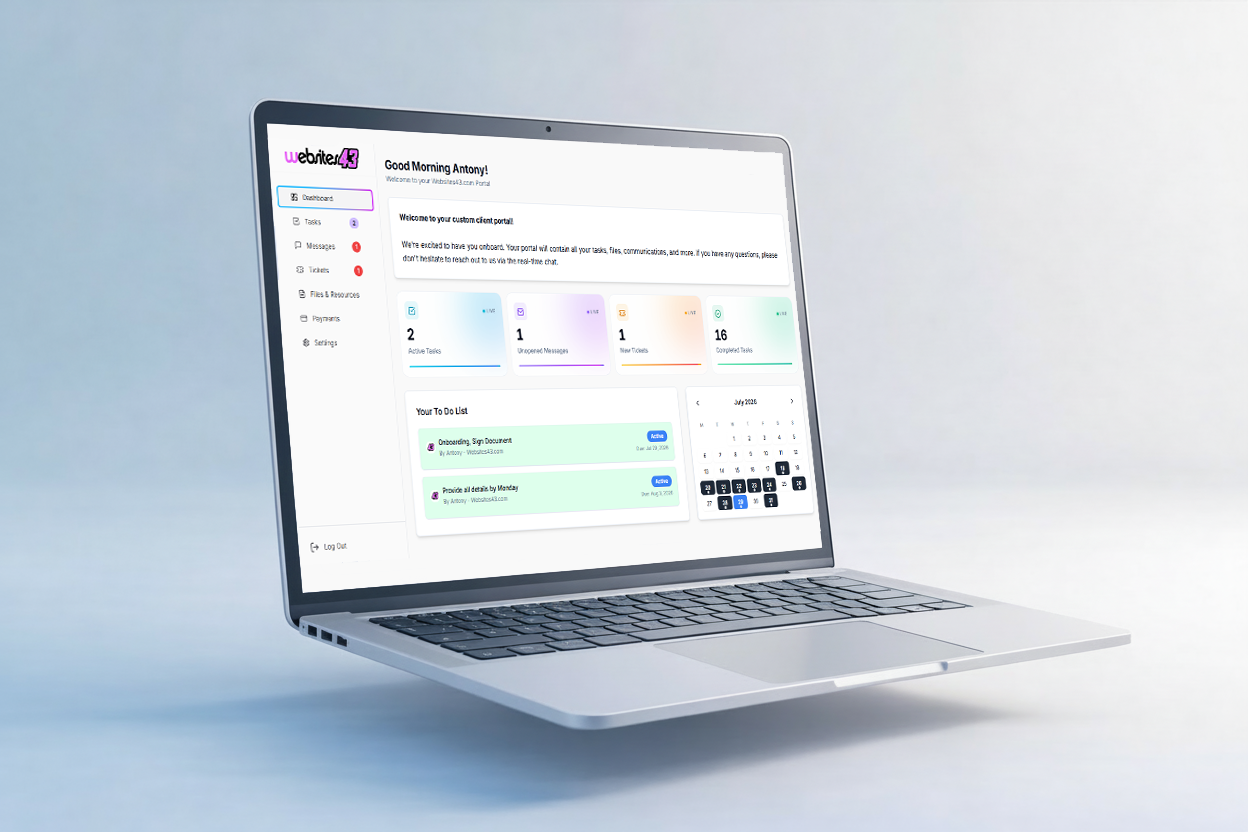
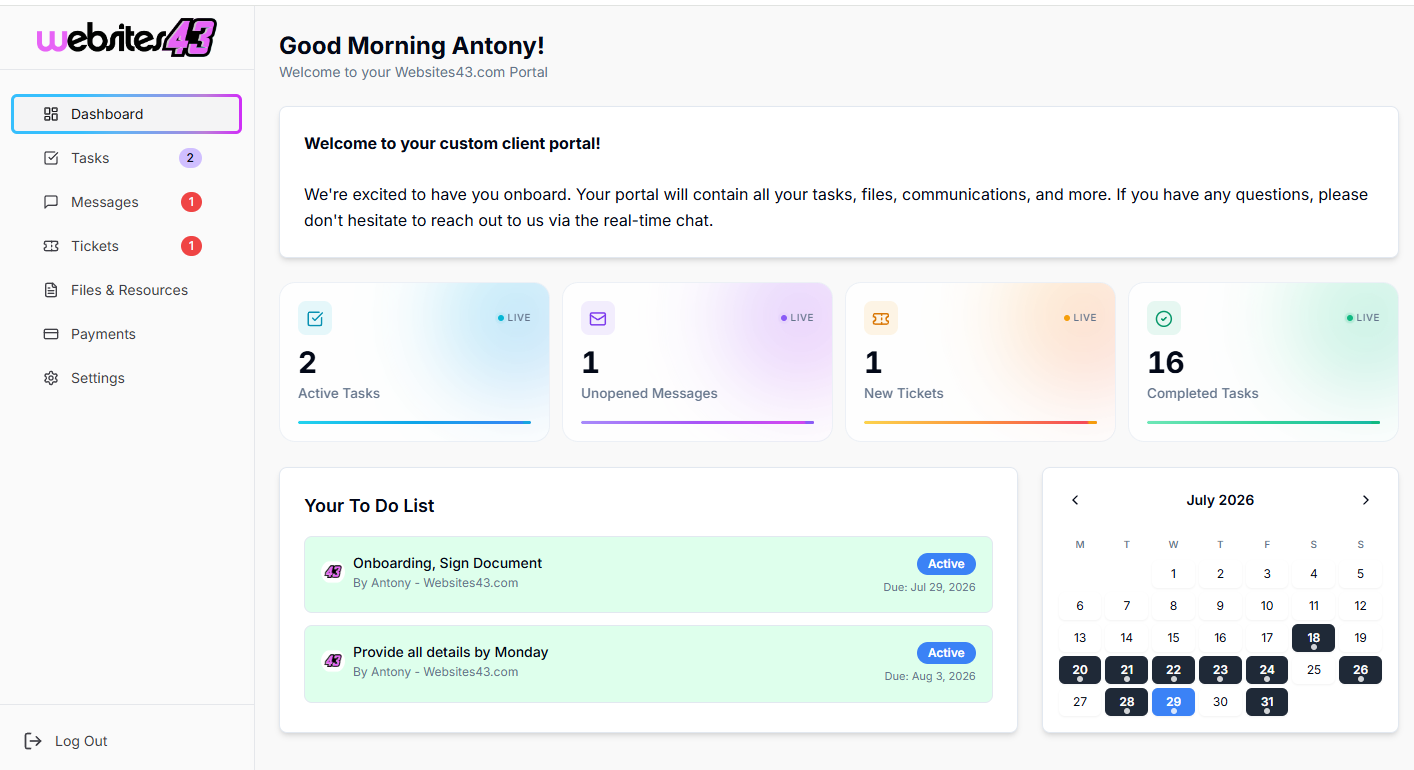
- Customers see progress in their portal
14-day free trial. No credit card needed to start.
Things fall through the gaps when the process lives in your head
Every new customer needs the same forms, documents and steps. When it is done from memory, something gets missed, someone waits too long or a customer chases you for an update.
Workflows turn your process into a checklist that runs itself. Tasks go to the right person, customers are asked for what you need, reminders go out when things are late, and everyone can see where things are.
How it works
- 1
Map your process
Lay out the steps in the visual editor, or start from a template and change it to fit.
- 2
Add your forms and tasks
Attach intake forms, documents to sign, approvals and payments to the steps that need them.
- 3
Start it for each customer
Start a workflow when a customer signs up, books or buys, and watch it run.
Automation that feels personal
Visual workflow editor
Drag steps into order, set who does what and preview the workflow before it goes live.
Forms and quizzes
Collect details with branded forms, or use a quiz to qualify leads and recommend the right service.
Chasers
Automatic reminders by email and text when a customer hasn't completed a step.
Client portal
Customers sign in to see their tasks, upload files, approve proofs, pay and message you.
Quotes, contracts and invoices
Send a quote, get it signed and invoice for it as part of the same workflow.
Team tasks
Internal tasks go to the right team member with due dates, so nothing depends on memory.
Try it with your own business, free for 14 days.
Frequently asked questions
What can I automate?
Onboarding, document collection, approvals, recurring jobs, reminders and follow-ups. Anything you do the same way more than once.
Do my customers need to log in?
They get a branded portal for tasks, files, payments and messages. Many steps also work straight from an email or text link.
Can I connect other tools?
Yes. Higher plans include the API, Zapier and Make.
You might also like
Build your first workflow today
Start your free trial and turn your onboarding checklist into a workflow that runs itself.