HaloTasker logo
    E-Signature

    Client Document E-Signature Built Into the Portal Your Clients Already Use

    Send engagement letters, contracts, proposals and any other document for legally binding e-signature inside your branded portal. No DocuSign tab, no extra subscription.

    E-signature is one of the most over-bundled categories in business software. Every service business needs it. Most have a DocuSign or HelloSign subscription. Most also have a CRM, a project tool, a billing tool and a client portal. The result is yet another standalone tool, another bill, another integration to maintain, and a signing experience that bounces the client from your branded portal to a third-party signing page and back again.

    E-signature built into your client portal solves this. The document lives inside the same workspace the client already logs into. They see it as part of the engagement, not as a separate envelope from another vendor. They sign inside your branded experience. The signed document is stored on the right client record automatically. There is no integration to maintain because the e-signature is native.

    HaloTasker includes native e-signature on every plan. This page covers what to look for in client e-signature software, how the native approach compares to bolted-on DocuSign and the legal and security position.

    What good client e-signature should do

    Client e-signature has a few specific requirements that generic e-signature products often miss. The signing experience should happen inside the portal the client already uses, not a third-party page. Documents should be tied to the client record automatically. Signing should work as well on mobile as on desktop. The signed document should be available immediately to both client and team in a tamper-evident format. The audit trail should be complete enough to defend in a dispute.

    • Signing experience inside your branded portal, not a third-party page
    • Signed documents stored on the client and project record automatically
    • Mobile-first signing for clients who live on their phones
    • Tamper-evident, legally binding e-signatures
    • Complete audit trail (timestamp, IP, identity verification)
    • Bulk send for documents going to multiple signatories
    Inside the HaloTasker signing experience

    When the team sends a document for signature, the client receives a branded email and a portal notification. They open the portal, see the document in their dashboard with a clear "sign now" call to action, review it, sign on whatever device they are using, and the document closes. The signed PDF is stored against the client record, the team is notified, any downstream workflow (project creation, invoice generation, onboarding next step) fires automatically.

    On mobile, signing is full-screen and tap-friendly. On desktop, it is a clean inline signing experience. There is no DocuSign tab, no separate login, no email round-trip with a PDF attachment.

    Legally binding and tamper-evident

    HaloTasker's e-signatures are legally binding under ESIGN (US), eIDAS (EU/UK) and similar frameworks worldwide. The signing process captures the signer's identity, timestamp, IP address and consent. The signed document is rendered as a tamper-evident PDF — any modification after signing invalidates the signature. The audit trail is available for download and is detailed enough to defend in a dispute.

    For higher-assurance signing needs (qualified electronic signatures, witnessed signatures, specific regulatory regimes), additional configuration is available on enterprise plans.

    Compared to DocuSign and HelloSign

    DocuSign and HelloSign are best-in-class standalone e-signature products. They are excellent at what they do. The trade-off is that they are standalone — your client signs on the DocuSign domain, in the DocuSign brand, with the DocuSign user experience. The signed document then needs to be integrated back into your CRM, your project tool and your billing system, usually through Zapier or a custom integration.

    HaloTasker takes the opposite trade-off. The e-signature is integrated into the same product your CRM, project, portal and billing live in. The signing happens in your brand. The signed document lands in the right place automatically. The cost is that the standalone e-signature features (advanced templating, bulk envelopes, payment-on-signing) are slightly less rich than DocuSign's. For service businesses where e-signature is one workflow among many, the integrated approach wins. For businesses where e-signature is the core product, DocuSign wins.

    Use cases where native e-signature shines

    Service businesses that send documents for signing as part of broader client workflows get the most value from native e-signature.

    • Engagement letters as the final step of onboarding
    • Contracts and SOWs at the start of a project
    • Proposals and quotes that need signed acceptance
    • NDAs for sensitive engagements
    • Change orders during ongoing projects
    • Annual renewals and re-engagement letters

    Templates and reusable documents

    Most service businesses send the same handful of documents repeatedly. HaloTasker supports document templates so engagement letters, contracts and standard NDAs can be merged with client data and sent in seconds. The template approach also keeps documents consistent across the firm — no more partners using slightly different engagement letter versions because they forked it years ago.

    Multi-signer documents

    Some documents need multiple signatures — a company client where the director and a co-signer both need to sign, a partnership where multiple partners need to sign, an internal counter-signature from your firm. HaloTasker supports multi-signer flows with sequenced signing (this person first, then that person) or parallel signing (everyone signs independently).

    Key benefits

    • Sign inside your brand, not on a third-party page
    • Signed documents land on the right client record automatically
    • One bill — no separate DocuSign or HelloSign subscription
    • Mobile-first signing for higher completion rates
    • Legally binding under ESIGN, eIDAS and similar frameworks
    • Tamper-evident with a complete audit trail

    Built for

    • Engagement letters for new client onboarding
    • Contracts and SOWs for project kickoff
    • Proposals and quotes that need signed acceptance
    • NDAs and confidentiality agreements
    • Change orders during active projects
    • Annual contract renewals
    Frequently Asked Questions

    Answers from real users and experts

    Is HaloTasker's e-signature legally binding?

    Yes. E-signatures are legally binding under ESIGN (US), eIDAS (EU/UK) and similar frameworks worldwide. The signing process captures identity, timestamp, IP and consent, and produces a tamper-evident signed PDF with a complete audit trail.

    Do I still need DocuSign or HelloSign?

    Most HaloTasker customers retire their standalone e-signature subscription when they switch. Native e-signature is included on every plan and is sufficient for the engagement letters, contracts, NDAs and proposals service businesses typically need to sign. For businesses where advanced e-signature features are core (real-estate transactions with complex sequencing, for example) DocuSign may still have an edge.

    Does it work on mobile?

    Yes. Signing is mobile-first. The signing experience is full-screen and tap-friendly so clients can sign from their phone in seconds.

    Can I use templates so I am not rebuilding the same document?

    Yes. Document templates support merge fields so engagement letters, contracts and standard documents can be merged with client data and sent in seconds.

    Can multiple people sign a document?

    Yes. Multi-signer flows support sequenced signing (one then the next) and parallel signing (everyone independently).

    Is the signed document tamper-evident?

    Yes. Any modification to the signed PDF invalidates the signature. The audit trail records every action.

    Can I bulk-send the same document to many clients?

    Yes. Bulk send supports sending the same document, merged with each client's data, to many clients in one action.

    Does the e-signature integrate with downstream workflows?

    Yes. Signature completion can trigger automations — project creation, invoice generation, onboarding next step. This is the key advantage over standalone e-signature tools.

    Send your next document for signature without leaving your portal

    Retire your DocuSign subscription. Sign engagement letters, contracts and proposals inside the same branded portal where the rest of the engagement lives.

    Two Dashboards, One Platform

    The Hub & The Portal

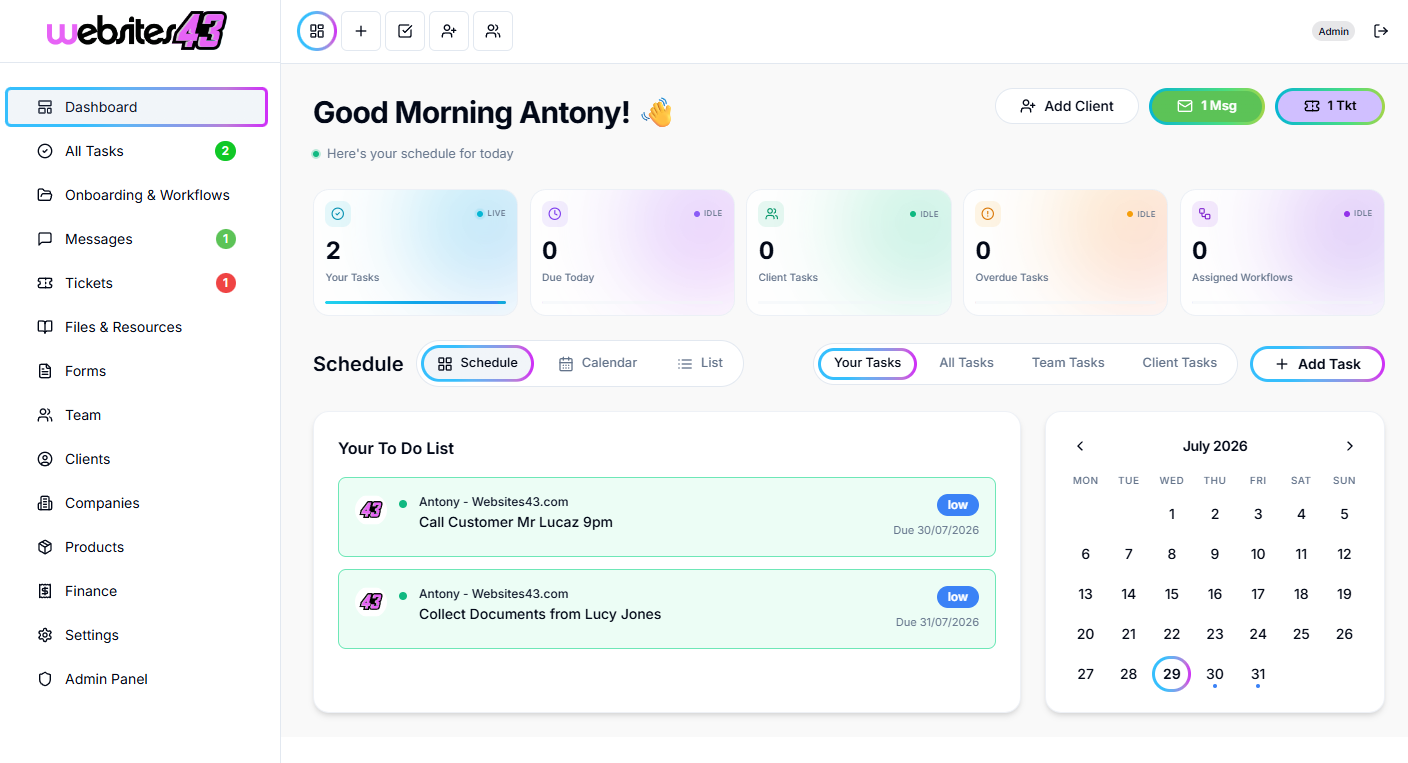
    The Hub is the dashboard you and your team will work from. The Portal is the client-facing dashboard where they get their tasks to complete, raise tickets, complete onboarding and more.

    For You & Your Team

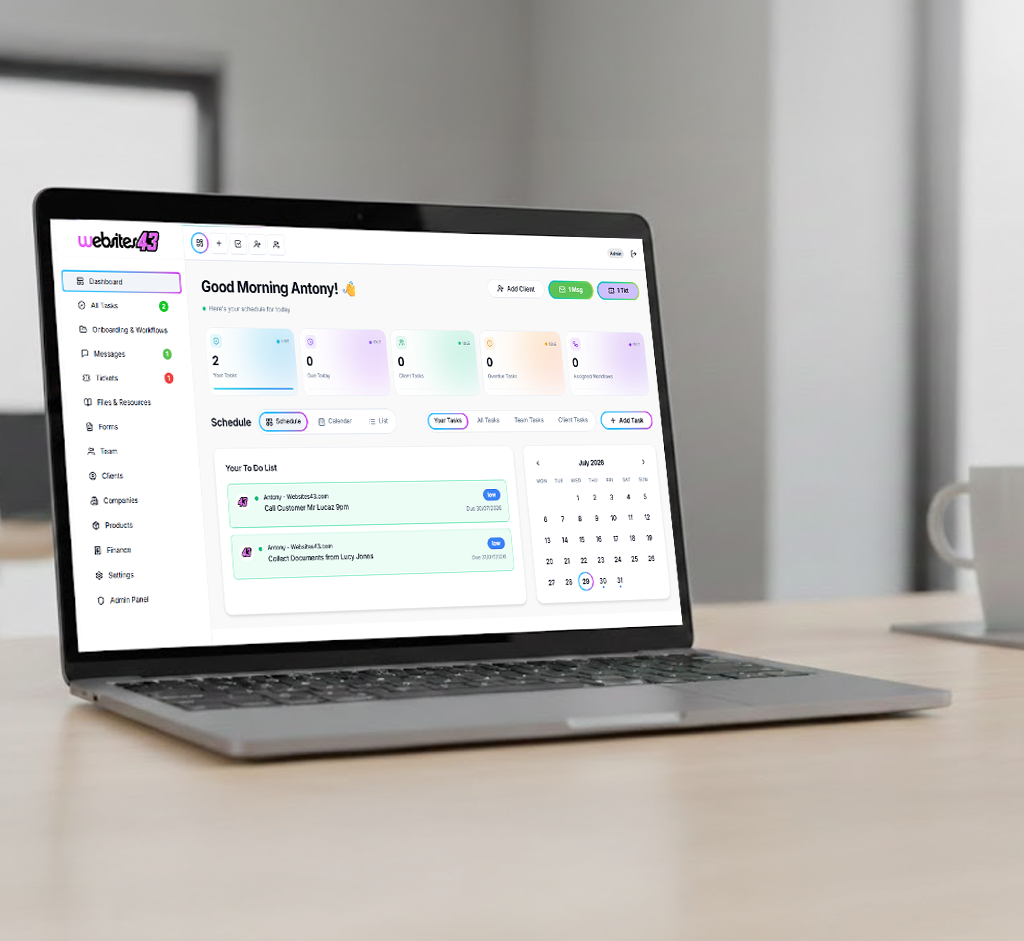
    The Hub

    Your admin dashboard for managing clients, tasks, workflows, quotes and your whole team from one place.

    HaloTasker Hub admin dashboard shown on a laptopHaloTasker Hub dashboard detailed view
    Click to zoom
    For Your Clients

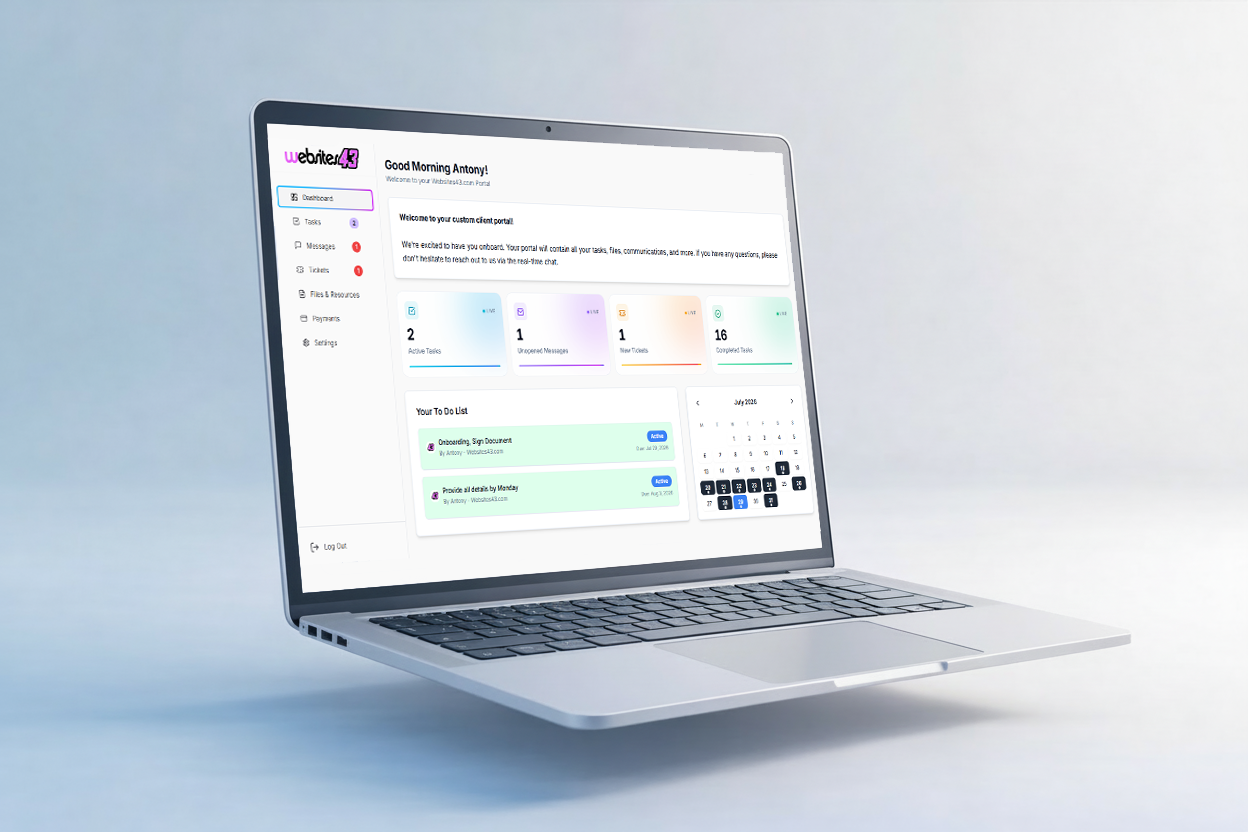
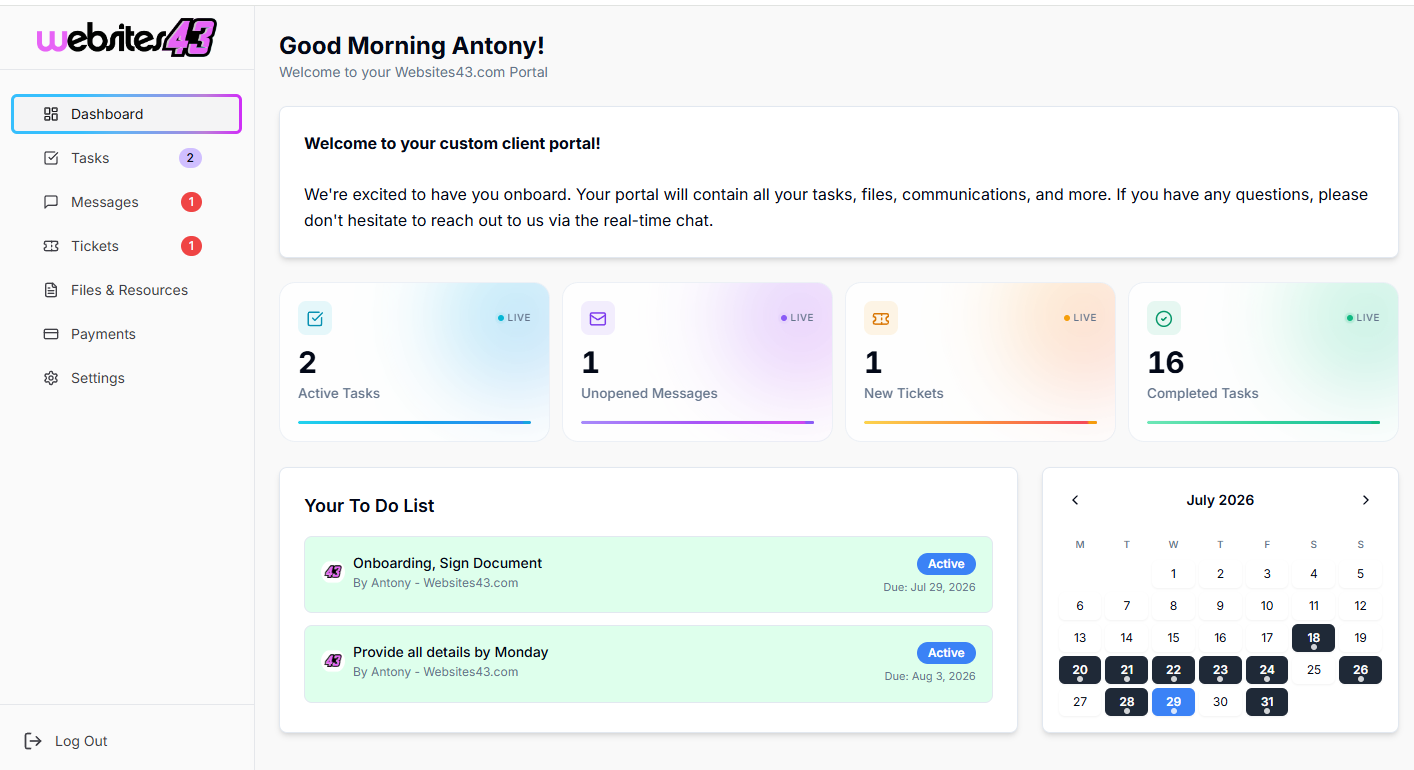
    The Portal

    The client-facing dashboard where they complete tasks, raise tickets, submit onboarding forms and stay in sync with you.

    HaloTasker client Portal dashboard shown on a laptopHaloTasker client Portal detailed view
    Click to zoom