HaloTasker logo
    Secure File Sharing

    Secure Client File Sharing That Replaces Email Attachments for Good

    Encrypted storage, project-scoped permissions, version control and audit logs — all inside a branded client portal that makes secure file sharing easier than emailing the file.

    Email attachments and shared Google Drive folders are the default for most service businesses, and they are also a security and compliance liability waiting to surface. Email is plaintext between servers. Attachments are easy to forward to the wrong recipient. Shared Drive folders are easy to over-share and almost impossible to audit. For service businesses handling sensitive client information — accounting firms, lawyers, mortgage brokers, healthcare providers, consultants — the gap between "this is convenient" and "this is defensible" gets uncomfortable fast.

    Secure client file sharing solves this without making the day-to-day painful. Files live in an encrypted, permissioned portal. Each client sees only their own files. Each project sees only its own files. Every view, download, upload and share is logged. Revocation is one click. The compliance answer to "where do our client files live and who can access them?" becomes a single sentence.

    HaloTasker is built around this. Files are first-class objects, organised by project and client, permissioned by default and audited automatically. This page covers what secure file sharing should do, how HaloTasker implements it and how it compares to email and shared folders.

    What secure file sharing should provide

    Good secure file sharing for client work has six requirements. Encryption in transit and at rest. Permissions scoped per client and per project. Magic-link or authenticated access — no public links by default. Audit logs of every action. Version control on documents that change over time. And a mobile-friendly upload experience because clients live on their phones. Anything missing creates either a security gap or a usability gap that defeats the rollout.

    • Encryption in transit (TLS) and at rest
    • Project-scoped permissions — one client never sees another's files
    • Authenticated access by default — no public links
    • Audit logs of views, downloads, uploads and shares
    • Version control on documents that change
    • Mobile-friendly upload (photo capture, drag-drop)
    How HaloTasker handles file storage

    Files in HaloTasker are anchored to a client and a project. Uploading a file to a project automatically scopes it to that project's permissions — only people with access to the project can see it. The team sees an organised file library per client; the client sees only their own files. There are no public sharing links by default. When a file does need to be shared with a specific person, a permissioned share is generated with optional expiry.

    Behind the scenes, all storage is encrypted at rest, all transport is TLS, and access is gated by the same RBAC model that protects the rest of the product. The mobile experience is first-class — clients can take a photo of a receipt or document and upload it in two taps from the portal.

    Permissions and access control

    Permissions are scoped at the project level by default. A file uploaded to project A is visible only to users with access to project A. Internal team permissions can be further scoped by role — partners see everything, account managers see their accounts, junior team members see their assignments. Client users see only their own data and only the files within their own projects. Cross-tenant isolation is enforced at the database level using row-level security, not just application logic.

    Audit logs that survive a compliance review

    Every file action is logged. Who uploaded it, when, from what IP. Who viewed it, when, how many times. Who downloaded it, when. Who shared it, with whom, with what expiry. The log is searchable and exportable, and is detailed enough to satisfy GDPR, HIPAA or sector-specific compliance reviews. The compliance question stops being "we trust people not to over-share" and becomes "here is the audit log".

    Version control for documents that change

    Some documents are static; others evolve over the life of an engagement. Engagement letters get amended. Contracts get renewed. Reports get re-issued. HaloTasker supports document versioning so the history is visible without cluttering the file list. Each version has its own audit trail, signed state and download URL. The current version is the default; previous versions are one click away.

    Mobile upload that clients actually use

    The biggest usability failure in secure file sharing is making upload painful. Clients respond by going back to email. HaloTasker's portal is mobile-first — clients can take a photo of a receipt, ID document or signed page directly into the portal in two taps. Drag-drop works on desktop. The friction is lower than emailing the file, which is the only way mobile file sharing actually sticks.

    Bulk operations for busy season

    Service businesses periodically need to do bulk file operations — requesting documents from 50 clients at once, downloading every signed engagement letter from the past year, archiving completed projects. HaloTasker supports bulk request, bulk download and bulk archival from the file management interface. Busy season survives.

    Use cases where secure file sharing transforms operations

    Any service business handling sensitive documents benefits. The compliance-heavy and trust-heavy industries benefit most.

    • Accounting firms collecting and storing financial records
    • Law firms managing case files
    • Mortgage brokers and IFAs handling KYC and supporting documents
    • Healthcare providers exchanging clinical records
    • Consultancies operating under enterprise NDAs
    • Any firm whose clients require security questionnaires

    Key benefits

    • Replace insecure email attachments with a controlled portal
    • Project-scoped permissions prevent accidental cross-client exposure
    • Audit log answers compliance and incident review questions
    • Mobile upload that clients actually use
    • Version control on documents that change over time
    • GDPR-compliant by default with DPAs available

    Built for

    • Accounting and tax firms
    • Law firms and legal practices
    • Mortgage brokers and IFAs
    • Healthcare service providers
    • Consultancies under enterprise NDAs
    • Any business needing an answer to a procurement security review
    Frequently Asked Questions

    Answers from real users and experts

    How is client file storage secured?

    All traffic uses TLS in transit. All files are encrypted at rest. Access is gated by RBAC and project-scoped permissions enforced at the database level using row-level security.

    Can clients upload from their phone?

    Yes. The portal is mobile-first. Clients can photograph a document and upload it in two taps directly into the right project workspace.

    Can one client ever see another client's files?

    No. Permissions are project-scoped at the database level. Cross-tenant isolation is enforced by the platform, not by application logic alone.

    Is there an audit log of file access?

    Yes. Every upload, view, download and share is logged with timestamp, user and IP. The log is searchable and exportable.

    Can I version documents that change over time?

    Yes. Documents support version history with the current version as the default and previous versions one click away.

    Can I send a one-off secure share link?

    Yes. Permissioned share links can be generated with optional expiry and access controls.

    Does it meet GDPR requirements?

    Yes. HaloTasker is GDPR-compliant by default with data processing agreements available for enterprise customers. Retention windows are configurable and deletion is honoured within published SLAs.

    Can I bulk-download files for archival?

    Yes. Bulk download and bulk archival are supported from the file management interface.

    Replace email attachments with secure portal sharing

    Start free, invite a client and upload your first document securely. The day you switch is the day email attachments stop being your security weak point.

    Two Dashboards, One Platform

    The Hub & The Portal

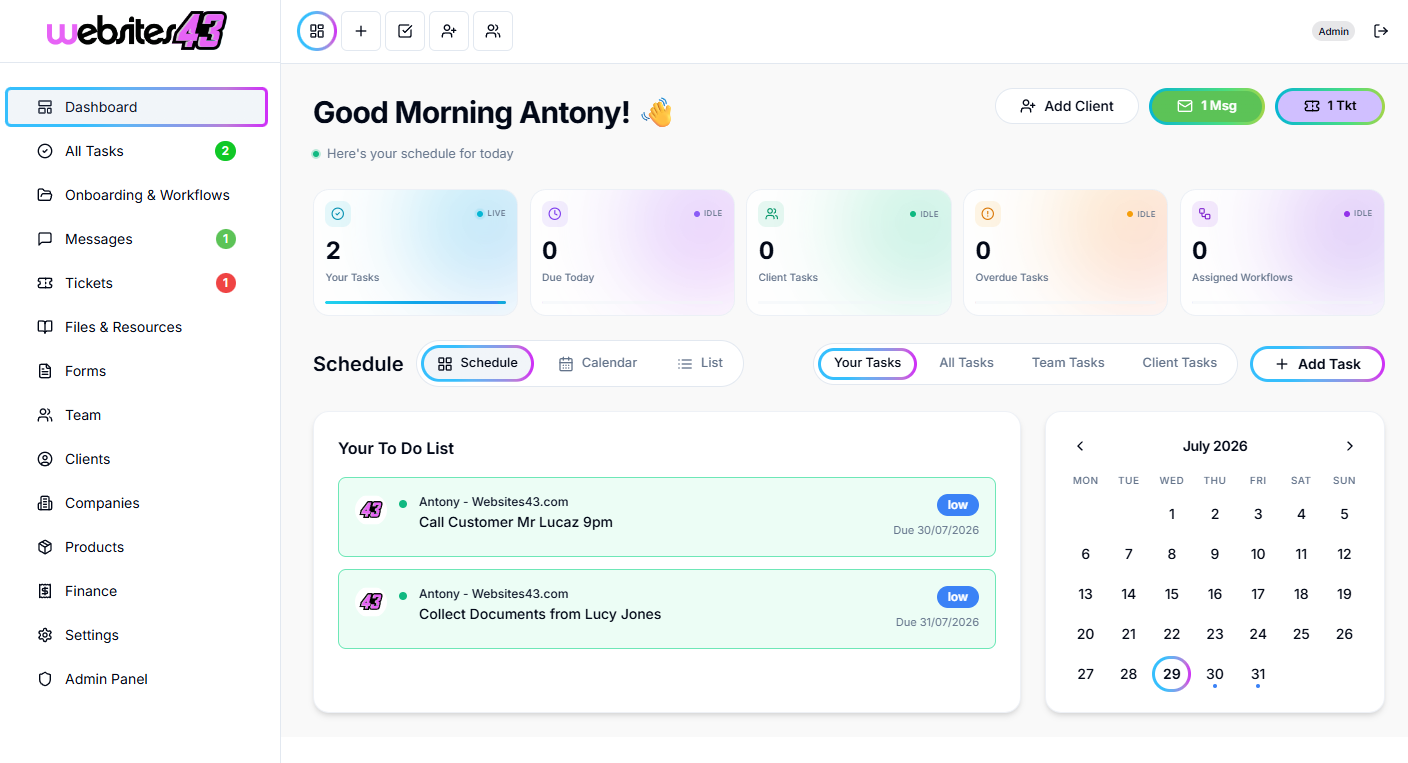
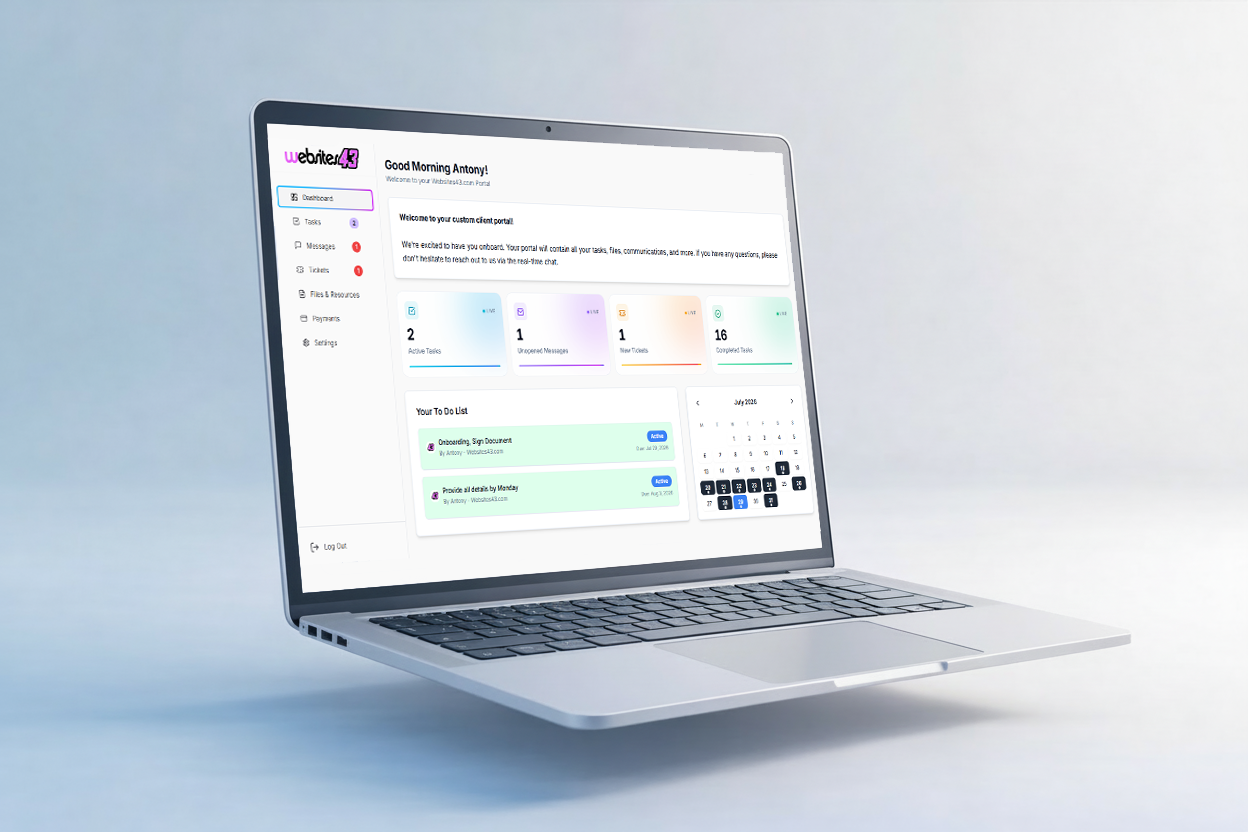
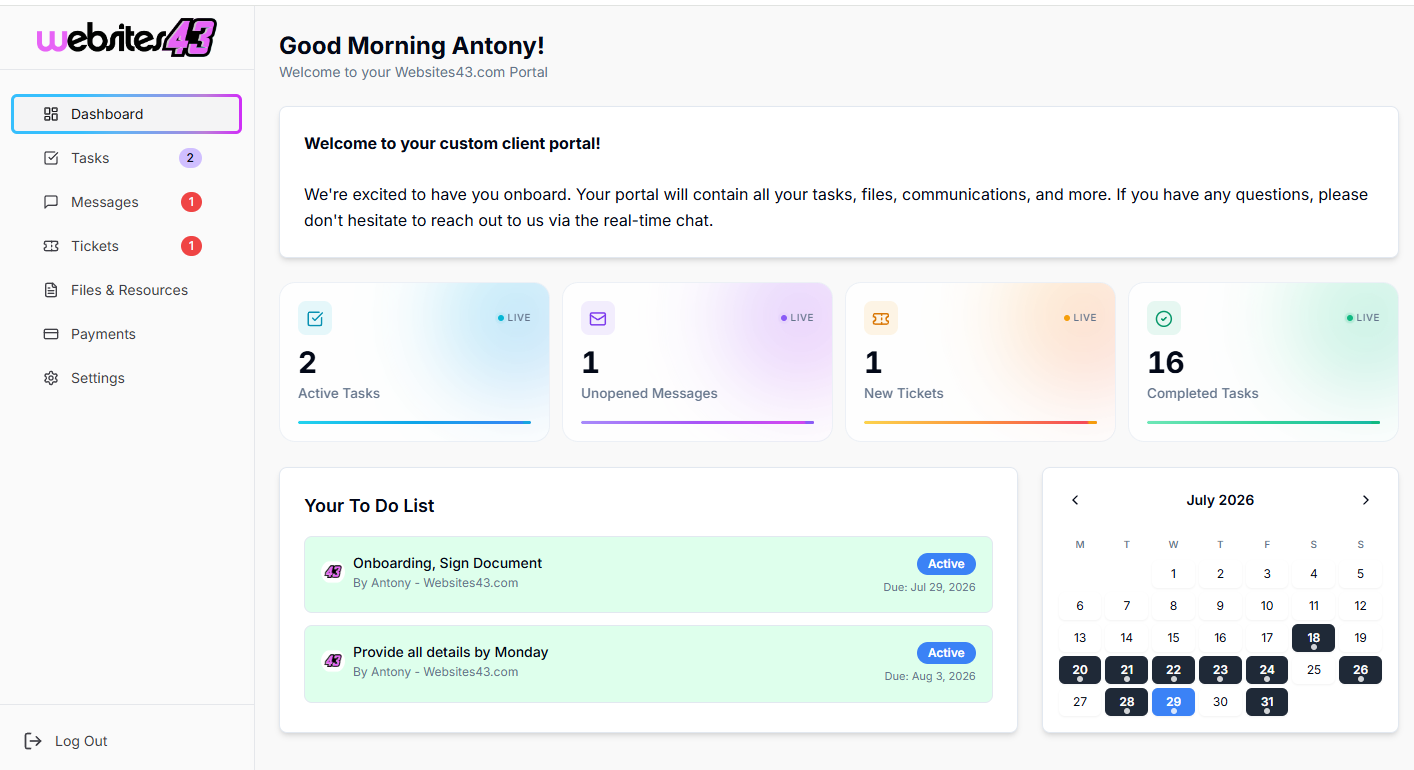
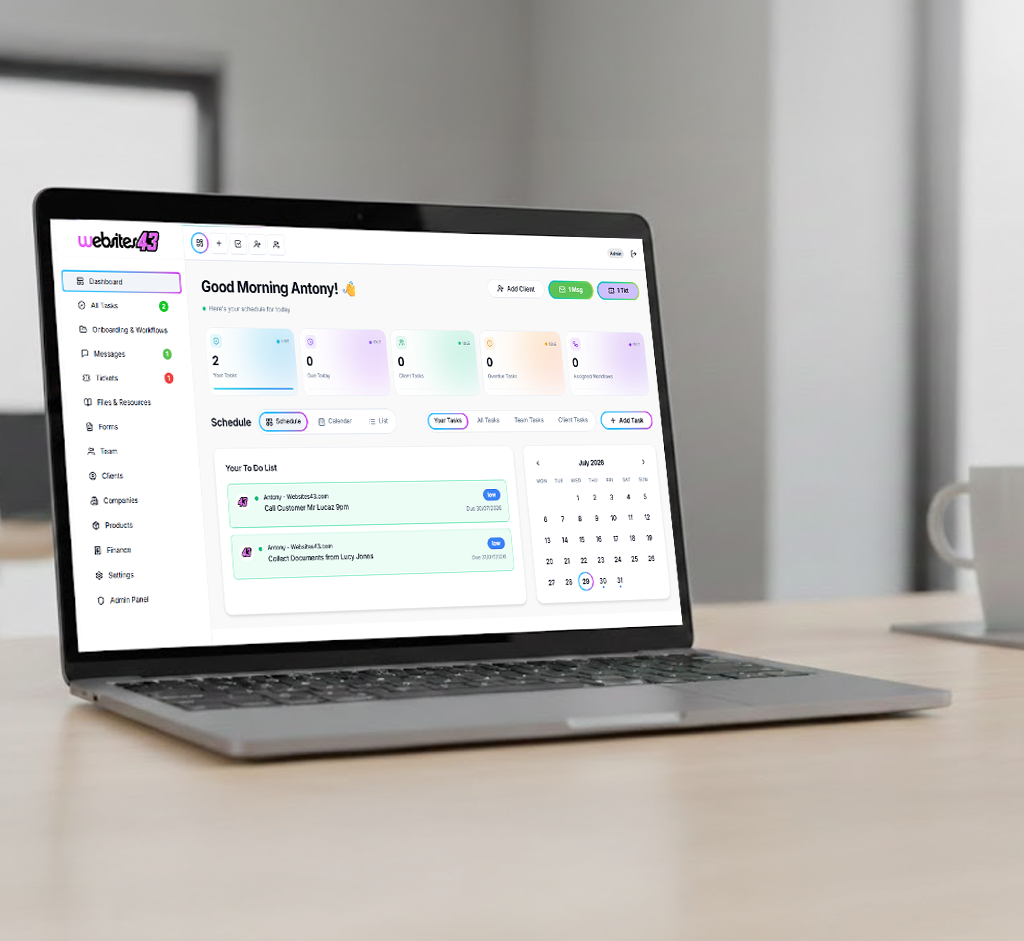
    The Hub is the dashboard you and your team will work from. The Portal is the client-facing dashboard where they get their tasks to complete, raise tickets, complete onboarding and more.

    For You & Your Team

    The Hub

    Your admin dashboard for managing clients, tasks, workflows, quotes and your whole team from one place.

    HaloTasker Hub admin dashboard shown on a laptopHaloTasker Hub dashboard detailed view
    Click to zoom
    For Your Clients

    The Portal

    The client-facing dashboard where they complete tasks, raise tickets, submit onboarding forms and stay in sync with you.

    HaloTasker client Portal dashboard shown on a laptopHaloTasker client Portal detailed view
    Click to zoom