HaloTasker logo
    Client Task Management

    Client Task Management Software That Clients Actually Complete

    Assign tasks to your clients, watch them get completed inside a branded portal, automate the chasing and keep every task tied to its project — without anyone living in their inbox.

    Most service businesses spend a quiet but enormous amount of time chasing clients to do things. Sign this. Approve that. Send the document. Confirm the budget. Schedule the call. Each individual ask is small, but in aggregate it consumes the calendar of every account manager, partner and freelancer in the country. The problem is not that clients are unwilling — they are usually willing — but that the requests are scattered across email threads, sometimes lost, often forgotten and never visible in one place.

    Client task management software solves this by giving each client a single branded place where every outstanding task for them lives, with clear deadlines, easy completion and automatic reminders. The account manager stops being a human reminder service. The client gets a tidy todo list of what they owe you. The relationship feels more organised because it is more organised.

    HaloTasker is purpose-built for client task management. Tasks can be assigned to clients (or internal team members), surfaced in the branded client portal, completed in two taps from a phone, and tracked centrally so you always know what is outstanding across every client.

    Why client task management is different from internal task management

    Internal task management tools — Asana, ClickUp, Linear, Monday — are designed for people who live inside the product. Internal team members log in every day, see their assignments and work through them. Clients are not internal team members. They log in occasionally at best. They will not learn an unfamiliar tool. They do not want to be added as guests on someone else's Asana board.

    Client task management has to meet clients where they are. The interface must be obvious without training. The notifications must be email and SMS, not in-app pings clients will never see. The completion path must work on a phone in seconds. And the tasks must be branded as part of the service relationship, not as random invites to a tool the client does not recognise. Building software that does this well requires designing around the client experience first, not the internal team's preferences.

    • Obvious interface — no training required
    • Mobile-first task completion in two taps
    • Magic-link login so no password is needed
    • Branded portal so the client recognises the source
    • Email and SMS text message reminders with direct task links
    • Timed alerts and an optional second reminder before the deadline
    What client task management looks like in HaloTasker

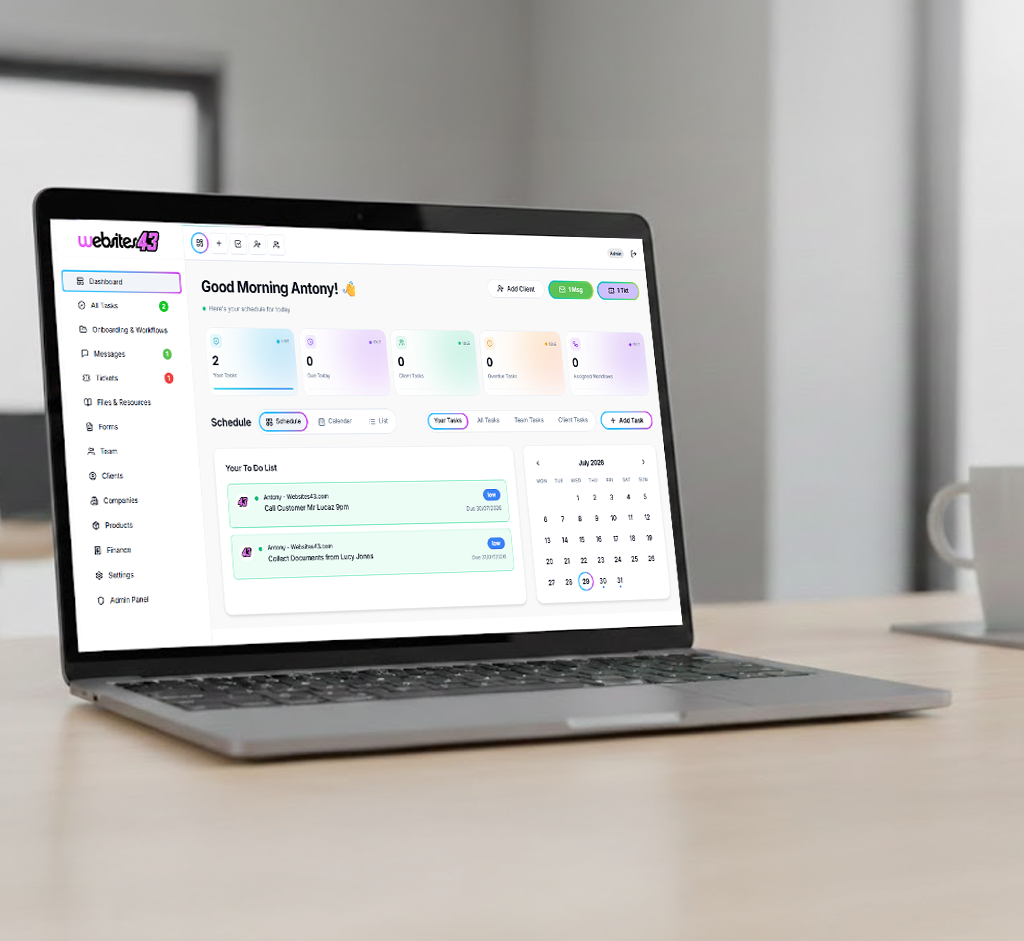
    In HaloTasker, every task has a type — internal, client-facing, signature required, file upload required, checklist, proof approval — and the assignee can be an internal team member, a client or both. When a task is assigned to a client, it appears in their portal Dashboard and Tasks views with a clear deadline, a description, any required attachments and a completion path.

    Most client tasks are completable in one or two taps. Approve a proof. Sign a document. Upload a file. Confirm a budget. Tick a checklist box. The task closes, the team is notified, and the workflow moves on. Keep deadlines visible with scheduled email, SMS text message and portal task-list reminders.

    Internally, the team sees the same tasks in a richer interface — kanban, calendar, list, by-assignee — with filters for outstanding client work, overdue items and tasks at risk. Nothing falls through the cracks because the central view always shows what is open across every client.

    Recurring client tasks

    A lot of client work is recurring. Monthly reporting check-ins. Quarterly tax document uploads. Annual KYC refreshes. HaloTasker's recurring task engine creates the same task on a schedule — daily, weekly, monthly, quarterly, annually — and assigns it automatically. The client sees a fresh task in their portal at the right time, completes it, and the cycle repeats without any human intervention.

    Task types that change client behaviour

    Different task types produce different completion rates. HaloTasker supports the common patterns and a few specific ones designed to maximise compliance.

    Signature-required tasks

    Combine the task and the signature in one step. The client opens the task, sees the document, signs and the task closes. There is no separate DocuSign trip and no risk of signing the wrong version.

    File-upload tasks

    The task is "upload your bank statements" or "send your brand assets". The client uploads inside the portal, the file lands on the project record and the task closes. No email attachments, no zip files, no chasing.

    Proof-approval tasks

    The client reviews a design or document, comments inline, and approves a specific version. The approval is recorded against the version with a signature.

    Checklist tasks

    For multi-step things — completing onboarding, gathering documents for a tax return — a checklist task lets the client tick items off as they go. The team sees real-time progress.

    Internal-team tasks linked to client outcomes

    Not every task is for the client. Internal tasks linked to a client project let the team coordinate work that does not need client visibility, while keeping the project record complete.

    Automation that removes manual chasing

    Scheduled reminders reduce manual chasing by reaching clients before a task is due. Choose email, SMS text message, the client's task list, or a combination of channels, so important requests are not buried in an inbox.

    Set the task's due date and time, choose an alert from 5 minutes to days before the deadline, and add an optional second alert. SMS reminders require workspace texting credit and a mobile number, and include a short sign-in link to the task.

    Centralised visibility for the team

    From the internal side, the team sees a single view of every outstanding client task across every client. Filters surface overdue tasks, tasks waiting on specific clients, tasks at risk of missing deadlines and tasks blocking downstream work. Partners and account managers can do a 10-minute morning scan and know exactly where to focus the day. This visibility is what turns the chronic background noise of client chasing into a manageable, predictable workflow.

    Use cases where client task management transforms operations

    Any service business that depends on client action to move work forward benefits, but a few categories see particularly large gains.

    • Accounting firms collecting documents and signatures
    • Marketing agencies coordinating approvals and brand assets
    • Consultants gathering inputs at each engagement stage
    • Mortgage brokers chasing KYC and supporting documents
    • Law firms collecting intake and engagement letter signatures
    • Coaches and trainers running pre-session homework

    Key benefits

    • Stop being a human reminder service
    • Client completion rates go up because the path is obvious
    • Recurring tasks run themselves — daily, weekly, monthly, annually
    • Timed email, text message and portal reminders reduce manual follow-ups
    • Centralised visibility across every open client task
    • Branded portal so clients trust and use it

    Built for

    • Firms with high volumes of small client interactions
    • Service businesses with multi-step client onboarding
    • Teams that lose time to status-update Slack messages
    • Engagements with regular recurring client deliverables
    • Account managers running 30+ active clients
    Frequently Asked Questions

    Answers from real users and experts

    What is client task management software?

    Client task management software is a tool that lets a service business assign tasks to clients, track completion, automate reminders and surface outstanding work across every client. It replaces the email-and-Slack chasing model with a structured, branded workflow.

    How is this different from Asana or ClickUp?

    Asana and ClickUp are internal team tools. Their client guest experience is a stripped-down version of an internal product, and clients rarely engage with it. HaloTasker's client task experience is purpose-built for clients — branded, mobile-first, two-tap completion, magic-link login and email, SMS and portal reminders.

    Can clients complete tasks from their phone?

    Yes. The client portal is mobile-first. Most tasks are completable in one or two taps from a phone — signing, uploading, approving, checking off.

    Can I set up recurring client tasks?

    Yes. Recurring tasks run daily, weekly, monthly, quarterly or annually. The task is created and assigned automatically on each cycle.

    Can the system chase clients automatically?

    Yes. Choose a timed alert before the task's due date and time, with an optional second alert. Reminders can go by email, SMS text message and the client's task list. SMS requires texting credit and a mobile number.

    Do clients need to install anything?

    No. Clients access the portal through a branded URL and a magic-link login. No app, no password setup, no install.

    Can I see all outstanding client tasks across every client?

    Yes. The internal view shows every outstanding task across every client with filters for overdue, at-risk and blocking-downstream-work.

    Can tasks require a signature or file upload?

    Yes. Task types include signature-required, file-upload, proof-approval, checklist and simple completion. Each is optimised for fast client completion.

    Replace inbox chasing with structured client task management

    Start free, assign your first client task in two minutes and watch what happens when the chasing runs itself.

    Two Dashboards, One Platform

    The Hub & The Portal

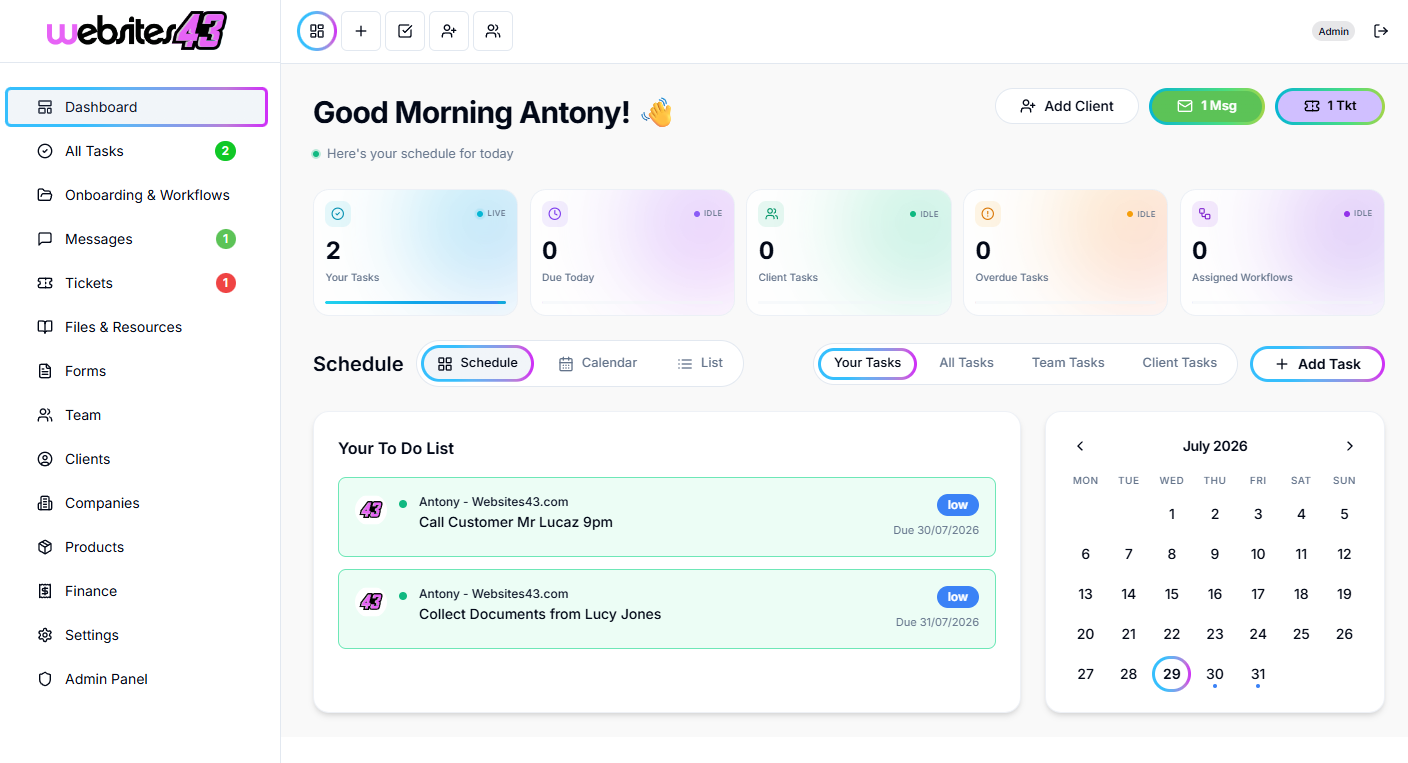
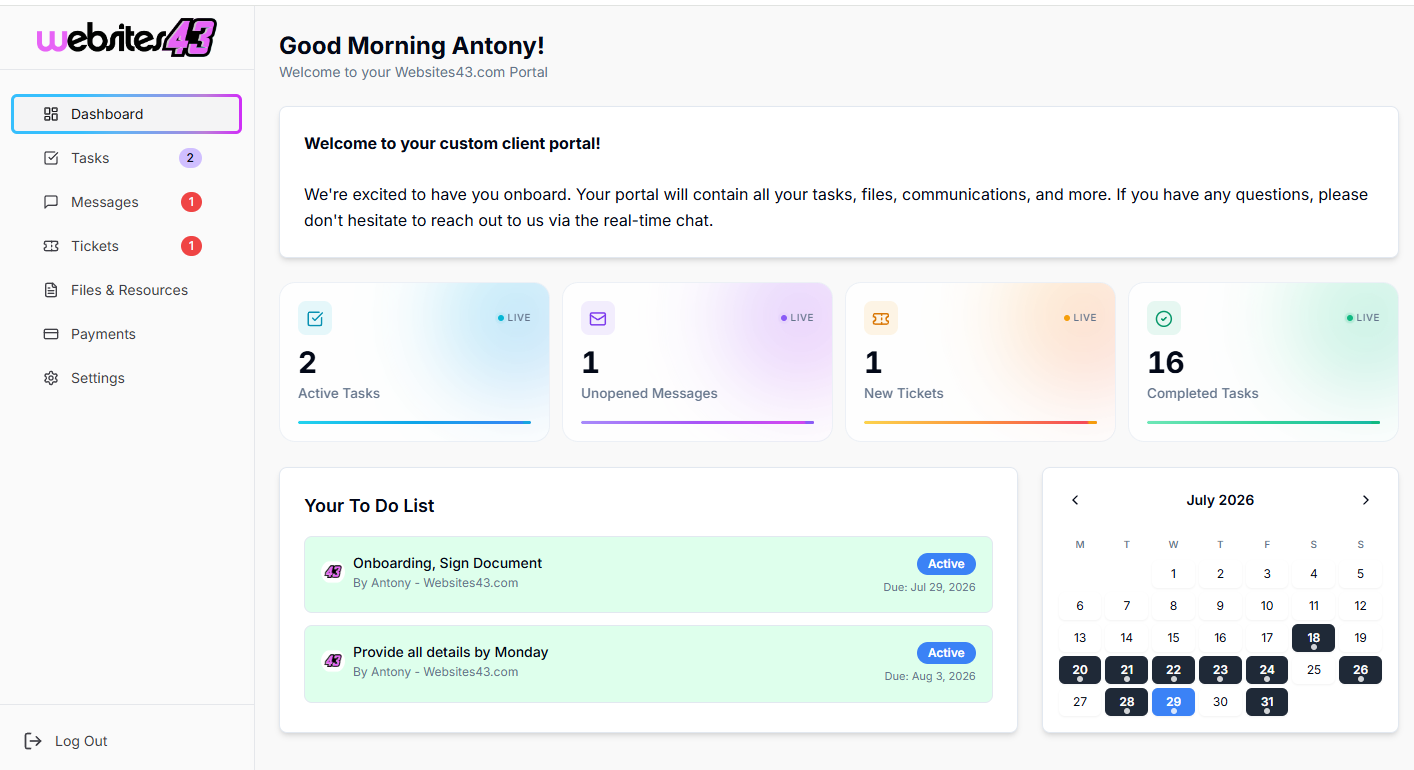
    The Hub is the dashboard you and your team will work from. The Portal is the client-facing dashboard where they get their tasks to complete, raise tickets, complete onboarding and more.

    For You & Your Team

    The Hub

    Your admin dashboard for managing clients, tasks, workflows, quotes and your whole team from one place.

    HaloTasker Hub admin dashboard shown on a laptopHaloTasker Hub dashboard detailed view
    Click to zoom
    For Your Clients

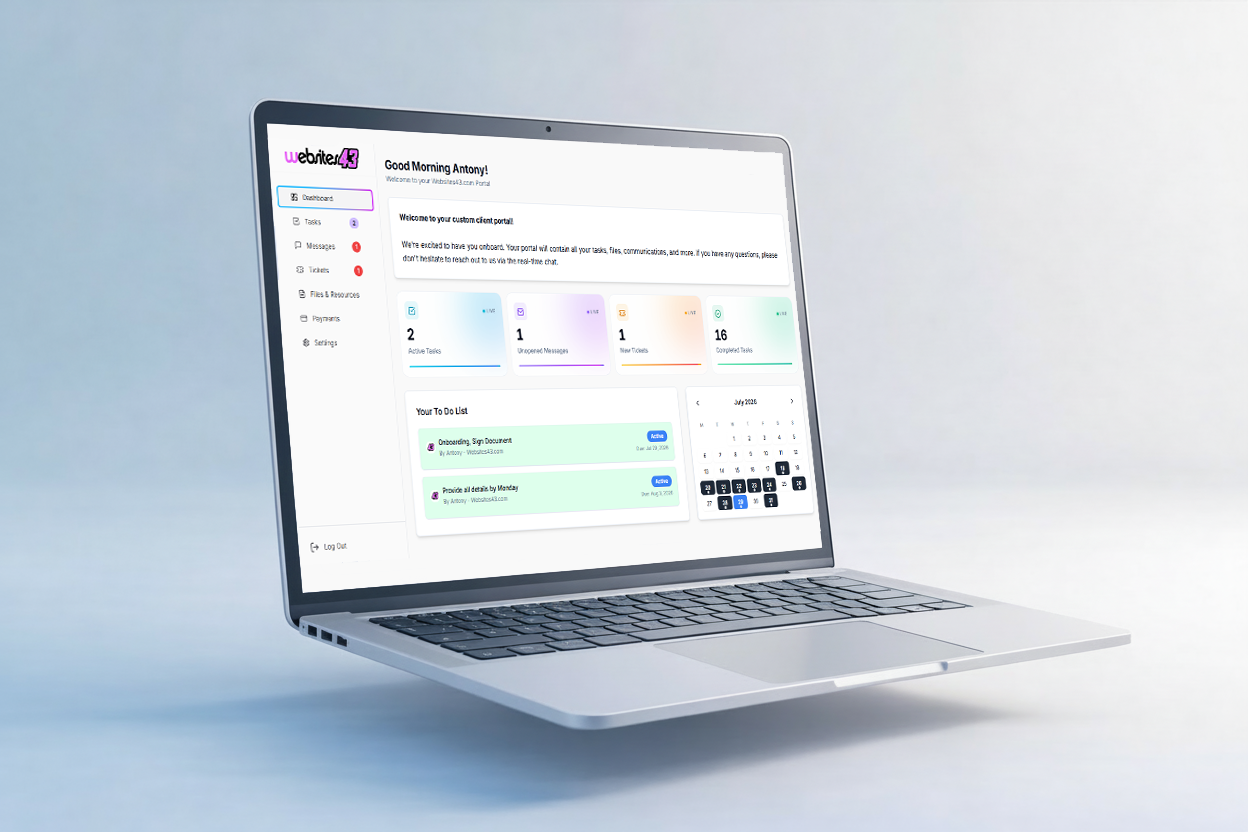
    The Portal

    The client-facing dashboard where they complete tasks, raise tickets, submit onboarding forms and stay in sync with you.

    HaloTasker client Portal dashboard shown on a laptopHaloTasker client Portal detailed view
    Click to zoom