HaloTasker logo
    Recurring Tasks

    Recurring Task Management That Makes Retainers Run Themselves

    Set a deliverable up once and let the system create the work, assign the right person and remind them at the right time — every day, week, month, quarter or year.

    Recurring work is the silent backbone of most service businesses. Monthly reports. Quarterly reviews. Annual returns. Weekly check-ins. Daily standups. The work is predictable, the deadlines are predictable, and the value of doing it consistently is enormous. Yet most teams manage recurring work badly — they either create the same tasks manually every cycle (and occasionally forget) or they bury the recurrence inside someone's calendar where the rest of the team cannot see it.

    Recurring task management software solves this structurally. You define the recurrence once: the task, the assignee, the deadline relative to the cycle, any required attachments or checklists. The system creates the task automatically every cycle, assigns it, reminds the assignee and tracks completion. The manager sees recurring deliverables across the team in one workload view. The client sees their recurring deliverables in the portal. Nothing falls through the cracks because nothing relies on memory.

    HaloTasker's recurring task engine is built for service business cadences. This page covers what good recurring task management looks like, the patterns it supports and the operational benefits it produces.

    Why recurring work needs its own engine

    Generic task tools usually support recurrence as an afterthought — a checkbox on a task that says "repeat every week". That is fine for personal todos but breaks down for service businesses where recurring work has structure. A monthly SEO report involves data gathering, analysis, writing, internal review and client presentation. A quarterly tax return involves document collection, drafting, partner review and filing. Each of these is not a single recurring task but a recurring workflow with multiple roles and steps.

    A real recurring task engine supports recurring projects, recurring multi-step workflows, recurring tasks with checklists and conditional logic, and the ability to assign different parts of the recurrence to different roles. It also supports schedule arithmetic — "the first business day of every month", "five business days before the quarter end", "every second Tuesday" — that complex service workflows actually need.

    • Recurring single tasks for simple repeatable work
    • Recurring projects for multi-step deliverables
    • Recurring workflows that span multiple assignees
    • Schedule arithmetic for business-day and relative-date cadences
    • Per-client recurring deliverables for retainer work
    • Workload view across all recurring work in the firm
    Recurring patterns HaloTasker supports

    HaloTasker supports the patterns service businesses actually need, not just simple daily/weekly/monthly. Each pattern can be assigned, attached to a client or project, and given checklists and supporting files.

    Daily

    For daily standups, daily reporting and daily compliance checks. Created at the start of each working day, with optional skip rules for weekends and holidays.

    Weekly

    For weekly status reviews, weekly client check-ins, weekly content production. Pick the day of the week and the time it should appear.

    Monthly

    For monthly retainer deliverables, monthly invoicing, monthly reports. Support for "first business day", "15th of the month" or "last Friday" cadences.

    Quarterly

    For quarterly reviews, quarterly tax filings, quarterly board reports. Aligned to your fiscal year if not calendar.

    Annual

    For year-end accounts, annual KYC refreshes, annual contract renewals. Created on the anniversary or a fixed annual date.

    Custom

    For cadences that do not fit standard patterns — every 6 weeks, every 90 days, every other Monday — the custom recurrence editor handles them.

    Per-client recurring deliverables for retainers

    Retainer-based service businesses live on recurring per-client work. HaloTasker lets you define a recurring deliverable once at the client level — for example "monthly SEO report" — and the system creates the work every month, assigns the right person, attaches it to the client's project and surfaces it in the client portal as a deliverable they are receiving. Multi-client agencies running 50 retainers stop manually setting up the same recurring work 50 times.

    Workload view across recurring work

    The single most useful view in recurring task management is the cross-firm workload view that shows every recurring deliverable in the next 30 days, grouped by assignee, by client and by week. This view answers the question "is the team going to be okay this month?" before the team is not okay. Bottlenecks surface early. Reassignment is two clicks. The chronic late-cycle scramble that defines so many service businesses becomes a managed cadence.

    Recurring tasks and the client portal

    Clients on recurring engagements get visibility too. The portal shows the upcoming recurring deliverables they are expecting and the historical ones they have received. The recurring report they got last month is one click away. Retainer transparency becomes a structural feature rather than a slide in a quarterly review.

    Automations on recurring work

    Recurring tasks can trigger automations. When the monthly report is marked complete, generate the invoice. When the annual KYC refresh is overdue by 7 days, escalate to the partner. When the quarterly review is created, send a calendar invite to the client. The recurring engine and the automation engine together remove a significant chunk of the operational work most service businesses do manually every cycle.

    Use cases where recurring tasks change operations

    Service businesses with strong recurring components get the most value.

    • Accounting firms with annual cycles for accounts, tax and VAT
    • Marketing agencies on monthly retainers
    • Consultancies with quarterly business reviews
    • Bookkeepers running monthly reconciliations
    • IT service providers running monthly maintenance and reporting
    • Coaches running weekly or monthly check-ins

    Key benefits

    • Set up a recurring deliverable once, run it forever
    • Nothing falls through the cracks because nothing relies on memory
    • Workload view across recurring work prevents late-cycle scramble
    • Per-client recurring deliverables scale retainer operations
    • Automations remove manual end-of-cycle work
    • Client portal shows clients exactly what they are receiving

    Built for

    • Retainer-based agencies and consultancies
    • Accounting and bookkeeping firms
    • MSPs and IT service providers
    • Coaches and trainers with recurring engagements
    • Any service business with predictable monthly deliverables
    Frequently Asked Questions

    Answers from real users and experts

    What is recurring task management?

    Recurring task management is software that creates tasks automatically on a schedule — daily, weekly, monthly, quarterly or annually — so predictable work runs itself. The best recurring task management supports multi-step workflows, per-client deliverables and a workload view across all recurring work.

    Does HaloTasker support business-day and relative-date schedules?

    Yes. Schedule arithmetic supports business-day cadences (first business day of the month), relative-date cadences (five days before the quarter end) and custom cadences (every 6 weeks, every other Monday).

    Can a whole project repeat, not just a single task?

    Yes. Recurring projects let you define a multi-step deliverable once and have the entire project structure repeat on a schedule.

    Can I set up recurring deliverables per client?

    Yes. Per-client recurring deliverables are the core pattern for retainer-based service businesses. The same deliverable can be set up across multiple clients and individually customised.

    What happens if a recurrence falls on a weekend or holiday?

    Configurable skip rules let you push the task to the next business day, skip it entirely or honour the date depending on what the workflow needs.

    Can recurring tasks trigger automations?

    Yes. Completing or missing a recurring task can trigger downstream automations — invoice generation, escalation, calendar invites, client notifications.

    Can clients see upcoming recurring deliverables?

    Yes. The client portal shows upcoming recurring deliverables and historical ones so clients know what they are receiving and when.

    How does this compare to recurring tasks in Asana?

    Asana's recurring task feature is a simple repeat. HaloTasker supports recurring projects, per-client recurring deliverables, business-day arithmetic, workload across the firm and automations triggered by recurring work — all of which Asana lacks.

    Make every recurring deliverable run itself

    Set your retainer deliverables up once and watch the system create the work, assign the right person and remind them at the right time — every cycle.

    Two Dashboards, One Platform

    The Hub & The Portal

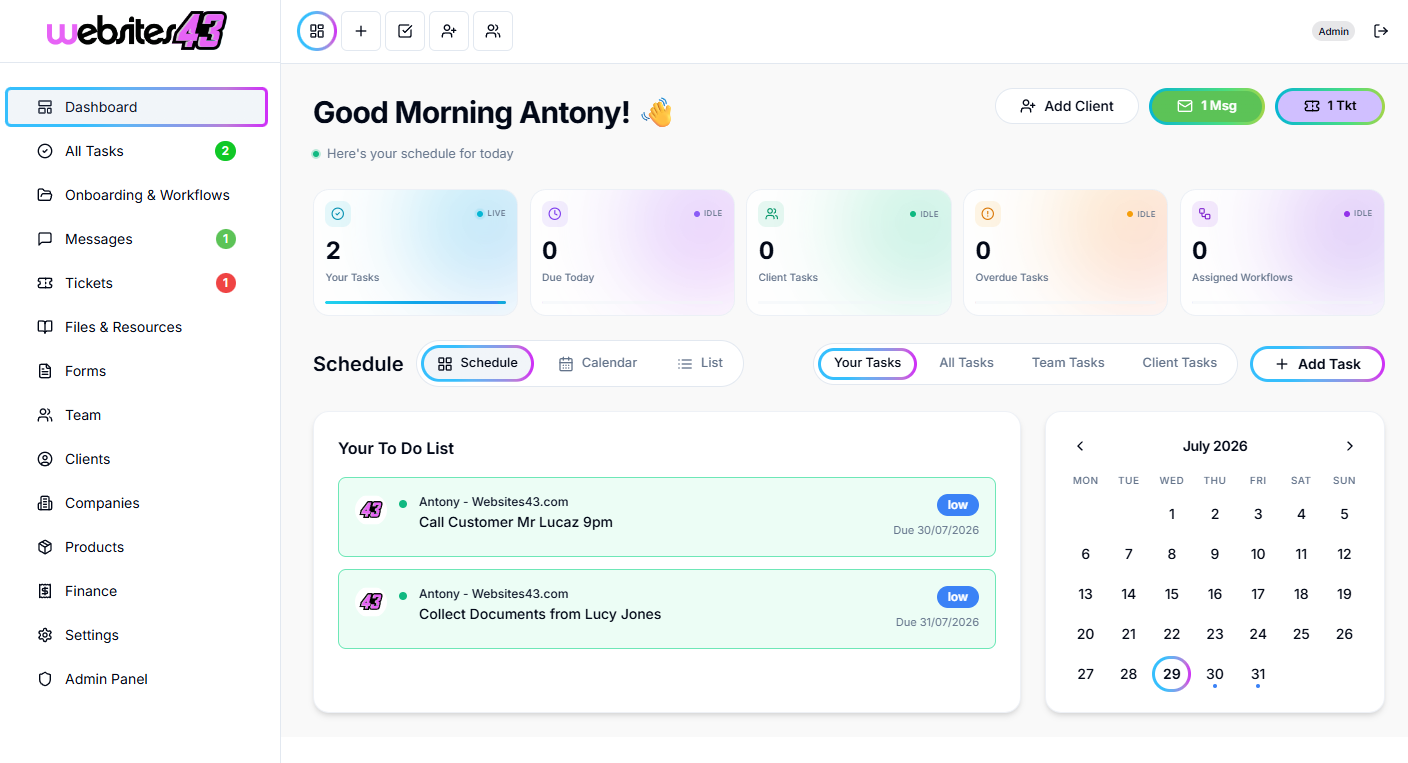
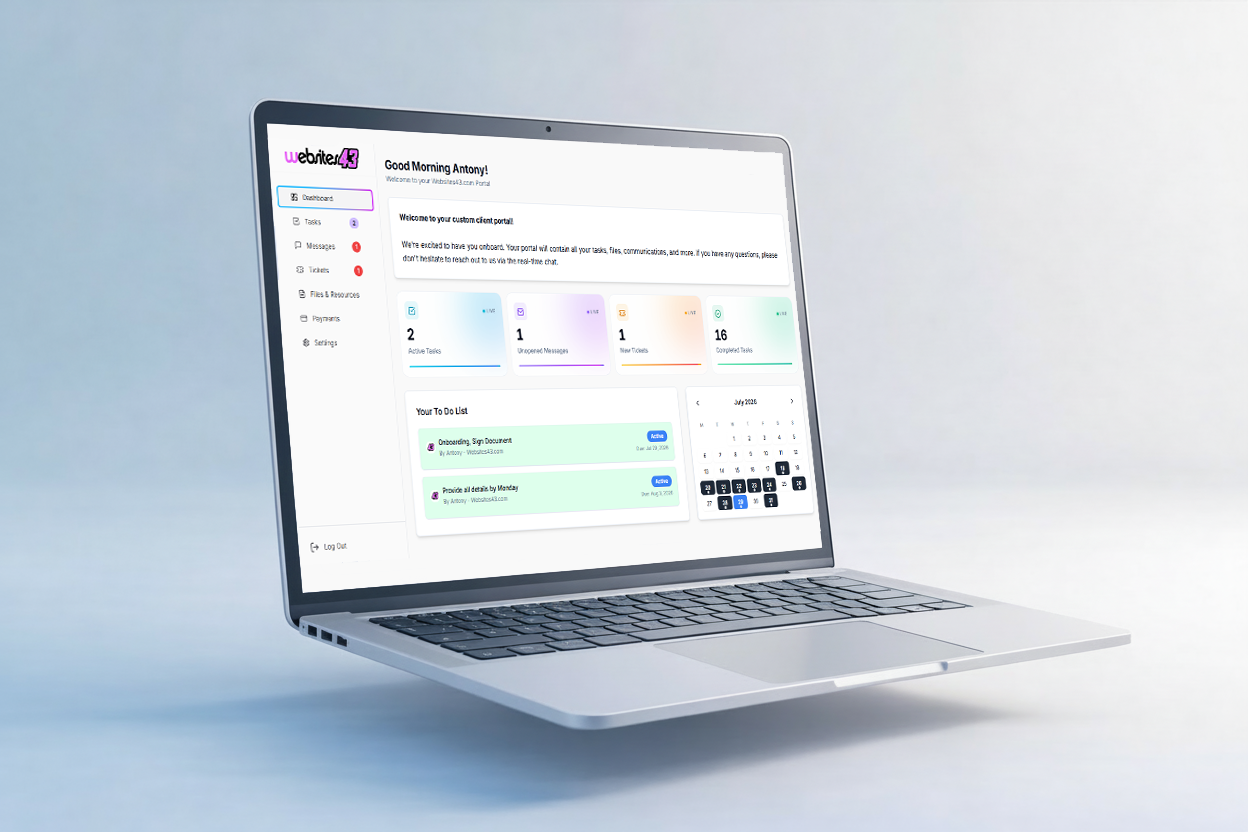
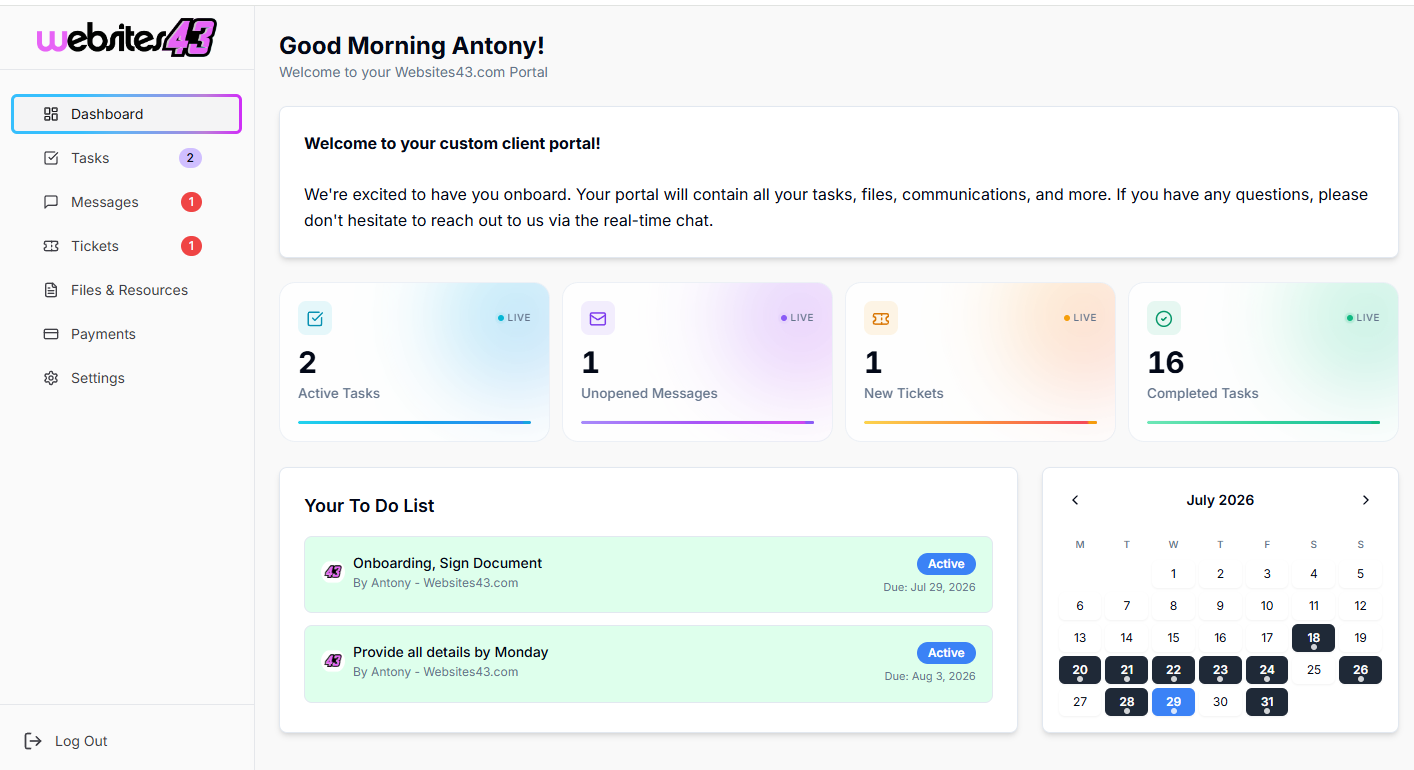
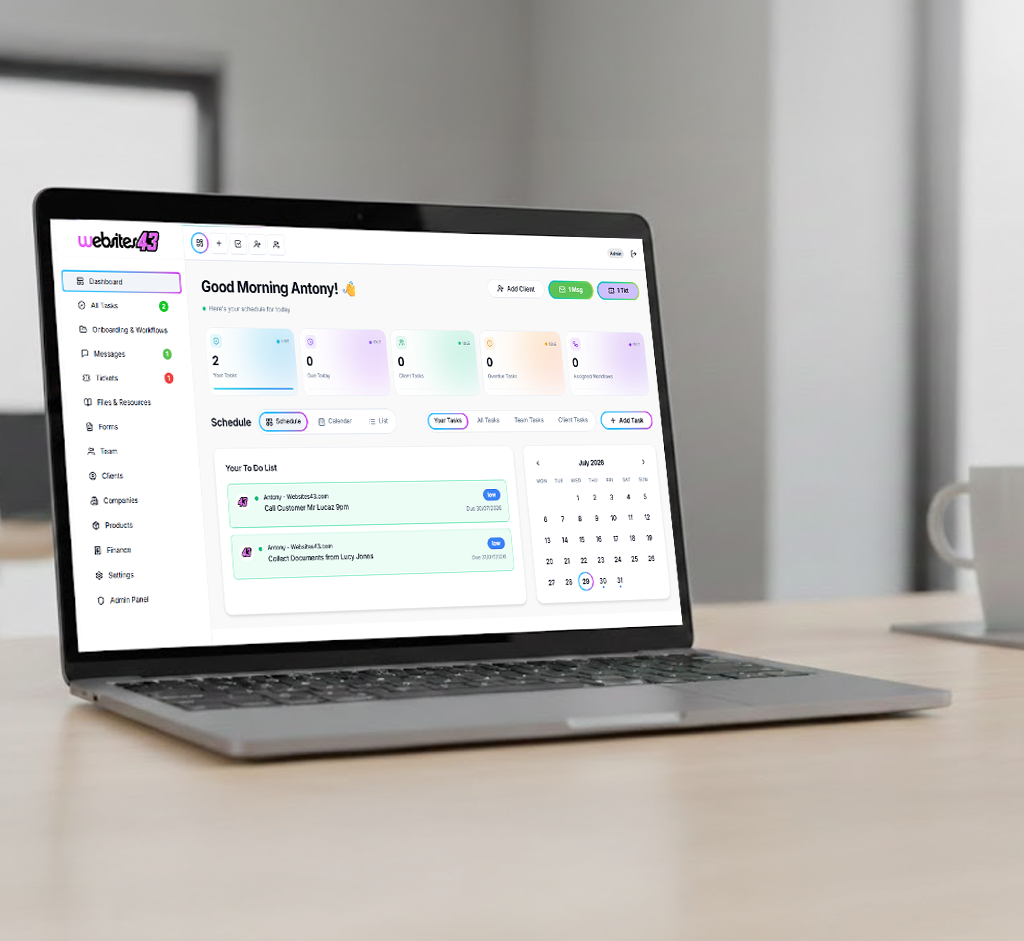
    The Hub is the dashboard you and your team will work from. The Portal is the client-facing dashboard where they get their tasks to complete, raise tickets, complete onboarding and more.

    For You & Your Team

    The Hub

    Your admin dashboard for managing clients, tasks, workflows, quotes and your whole team from one place.

    HaloTasker Hub admin dashboard shown on a laptopHaloTasker Hub dashboard detailed view
    Click to zoom
    For Your Clients

    The Portal

    The client-facing dashboard where they complete tasks, raise tickets, submit onboarding forms and stay in sync with you.

    HaloTasker client Portal dashboard shown on a laptopHaloTasker client Portal detailed view
    Click to zoom