HaloTasker logo
    Automated Onboarding

    Automated Client Onboarding That Runs Without You

    The moment a deal closes, the welcome email goes out, the intake form is requested, documents are collected, the engagement letter is signed and the kickoff is booked — all without anyone touching it.

    Manual onboarding scales until it does not. The owner can run a polished welcome for the first 10 clients, but the eleventh is the one where the engagement letter does not get sent for a week. By the fiftieth, you have abandoned the polished welcome entirely and are firefighting. Automation is the only way to maintain quality at scale.

    Automated client onboarding is exactly that. The workflow is defined once, triggered automatically by a CRM event (quote accepted, deal closed), executed step by step by the system, and tracked so the team knows when intervention is needed. The owner stops being the bottleneck. The polished welcome that worked for client #1 runs the same way for client #100.

    HaloTasker is built for this. The CRM, workflow engine, intake forms, document collection, e-signature, calendar booking and project creation are one product. This page covers what automated onboarding can actually automate, what still needs human attention and how to design an automated onboarding that scales.

    What can be automated and what still needs humans

    Onboarding has both automatable and non-automatable parts, and a good automated onboarding system is honest about which is which. Automatable: the welcome email, the portal invitation, the intake form request, the document request, the automatic chasers, the engagement letter generation, the e-signature flow, the calendar booking, the team assignment, the project creation, the handover to delivery workflow. Non-automatable: the personal kickoff call, the trust-building first conversation, any genuinely bespoke setup work and any judgment calls about whether the engagement is the right fit.

    The best automated onboarding handles the automatable parts so humans can focus on the non-automatable ones. The owner stops sending welcome emails and starts having higher-quality kickoff calls because they have time to prepare for them.
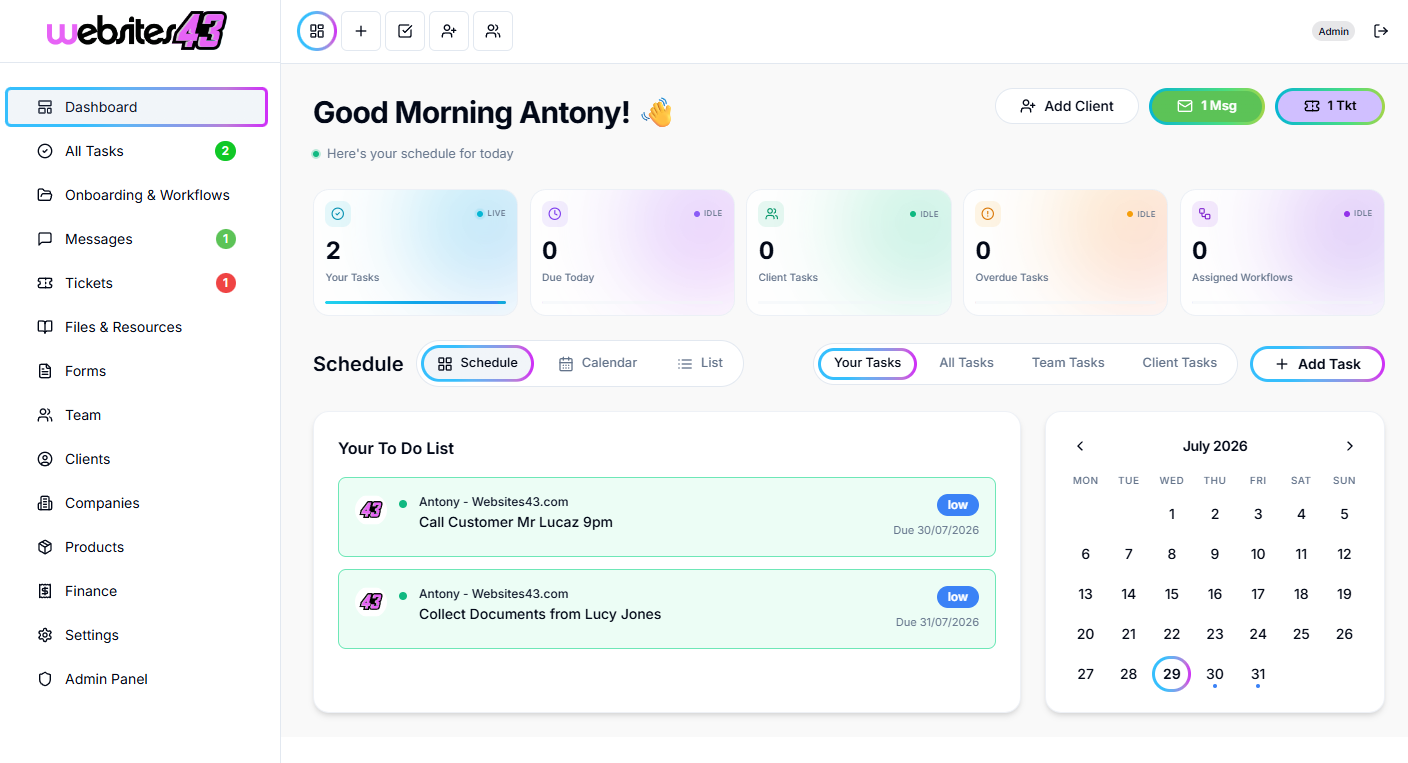
    Triggers and conditional logic

    Automated onboarding starts with a trigger. In HaloTasker, the common triggers are quote acceptance, deal stage change, manual fire from the CRM record and inbound from a connected lead source. The trigger fires the right onboarding workflow based on conditional logic — accounting clients run the accounting workflow, agency retainers run the retainer workflow, custom services run the custom workflow.

    Inside the workflow, branching conditions handle variation. UK clients get a different KYC step from US clients. Enterprise engagements get an additional stakeholder onboarding. Self-service tiers skip the kickoff call. The workflow handles the variation without the team having to think about it.

    • Trigger on quote acceptance, deal stage change or manual fire
    • Route to the right onboarding workflow based on service or client type
    • Branch on jurisdiction, plan tier, engagement size or any custom field
    • Skip or include steps based on conditions
    • Re-trigger or restart workflows when needed

    The automated welcome

    The welcome sequence is the most important automation in onboarding. A branded email from your domain lands within minutes of the deal closing, with the portal login link, a 60-second introduction video and a clear summary of what the next 7 days look like. The client sets expectations from the system, not from a delayed email from the owner. The portal is configured, branded and ready when the client logs in for the first time.

    Automated document and signature collection

    The hardest part of manual onboarding is chasing the client for things — the intake form, the supporting documents, the signed engagement letter. Automation handles this elegantly. The portal shows the client a clear list of outstanding items with deadlines. The system sends polite branded reminders on a schedule you control. The team only intervenes when the client genuinely needs help. The end-to-end time to collect everything you need drops dramatically.

    Automated kickoff scheduling

    The kickoff call is the one personal touch point most onboardings need. Automated kickoff scheduling makes it frictionless. Calendar booking is built into the workflow. The client picks a slot from your team's real calendar availability. The invite goes out automatically. The right team members are included. The kickoff appears in your team's calendar with the right context attached.

    Handover to active delivery

    When the automated onboarding completes, the project transitions to active delivery automatically. The team assigned to the project is notified. The first delivery workflow fires. The client sees the project go live in their portal. The handover is seamless and visible to both sides.

    When automation fails gracefully

    Good automation knows when to escalate. If the client has not completed the intake form after the configured chase cadence, the system flags it to the team. If a document upload fails verification, the team is notified. If the kickoff call is not booked within a window, the partner is alerted. The system does not silently fail; it escalates to humans when humans need to act. This is the difference between automation that works and automation that quietly drops clients.

    Key benefits

    • Owner stops being the bottleneck for new client setup
    • Welcome consistency scales from client 1 to client 1,000
    • Time-to-first-value drops dramatically
    • Owner has time for higher-quality kickoff calls
    • Compliance steps run every time
    • System escalates to humans when humans are needed

    Built for

    • Service businesses adding more than 5 new clients per month
    • Owner-led businesses where the owner is the onboarding bottleneck
    • Multi-service firms running different onboarding per service
    • Regulated industries where compliance steps must run every time
    • Firms scaling from solo to team without losing polish
    Frequently Asked Questions

    Answers from real users and experts

    What is automated client onboarding?

    Automated client onboarding triggers on a CRM event and runs the welcome sequence — email, intake form, document collection, contract signing, kickoff scheduling, team assignment, project creation — without manual work. The system handles the automatable parts so the team can focus on the personal ones.

    Can I run different onboarding workflows for different services?

    Yes. Multiple workflows can be defined and triggered automatically based on the service, plan tier or any other CRM field.

    What happens if a client does not respond?

    Automatic chasers send branded reminders on a schedule you control. If the client still does not respond, the system escalates to the team so a human can intervene at the right moment.

    Can I include compliance steps like KYC?

    Yes. Compliance steps run as part of the workflow with the right gating to prevent active work from starting before compliance is complete.

    Can I send the engagement letter for signature automatically?

    Yes. E-signature is native. The engagement letter is generated, sent and signed inside the portal automatically as part of the workflow.

    Does it integrate with my calendar?

    Yes. Calendar booking is built in. The client picks a slot from your team's real availability and the invite goes out automatically.

    Can I see where every active onboarding is stuck?

    Yes. The team view shows every active onboarding with current step, blocked status and last activity. Bottlenecks surface early.

    How long does it take to set up an automated onboarding?

    Most teams build their first automated onboarding workflow in under an hour using the supplied templates and the visual workflow builder.

    Stop being the onboarding bottleneck

    Build an automated onboarding workflow that runs without you, scales to any volume and gives every new client the same polished welcome.

    Two Dashboards, One Platform

    The Hub & The Portal

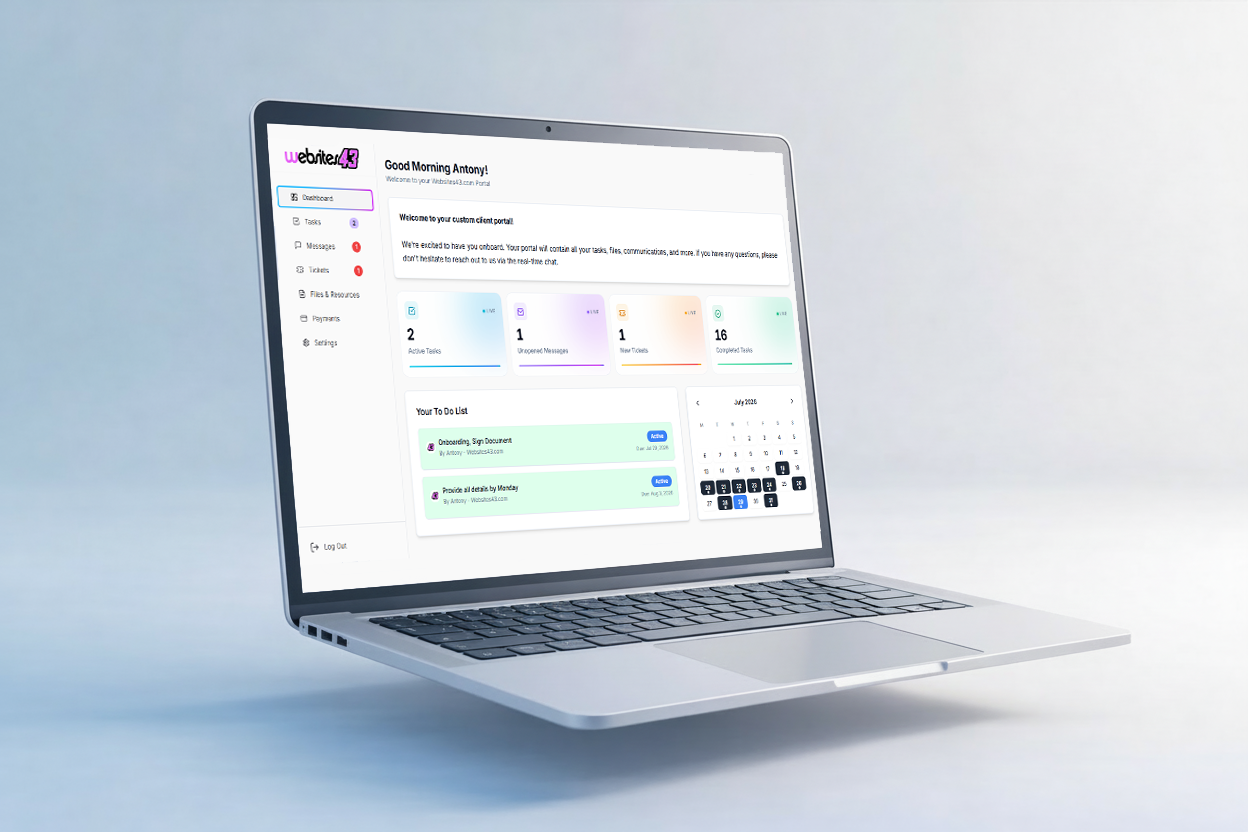
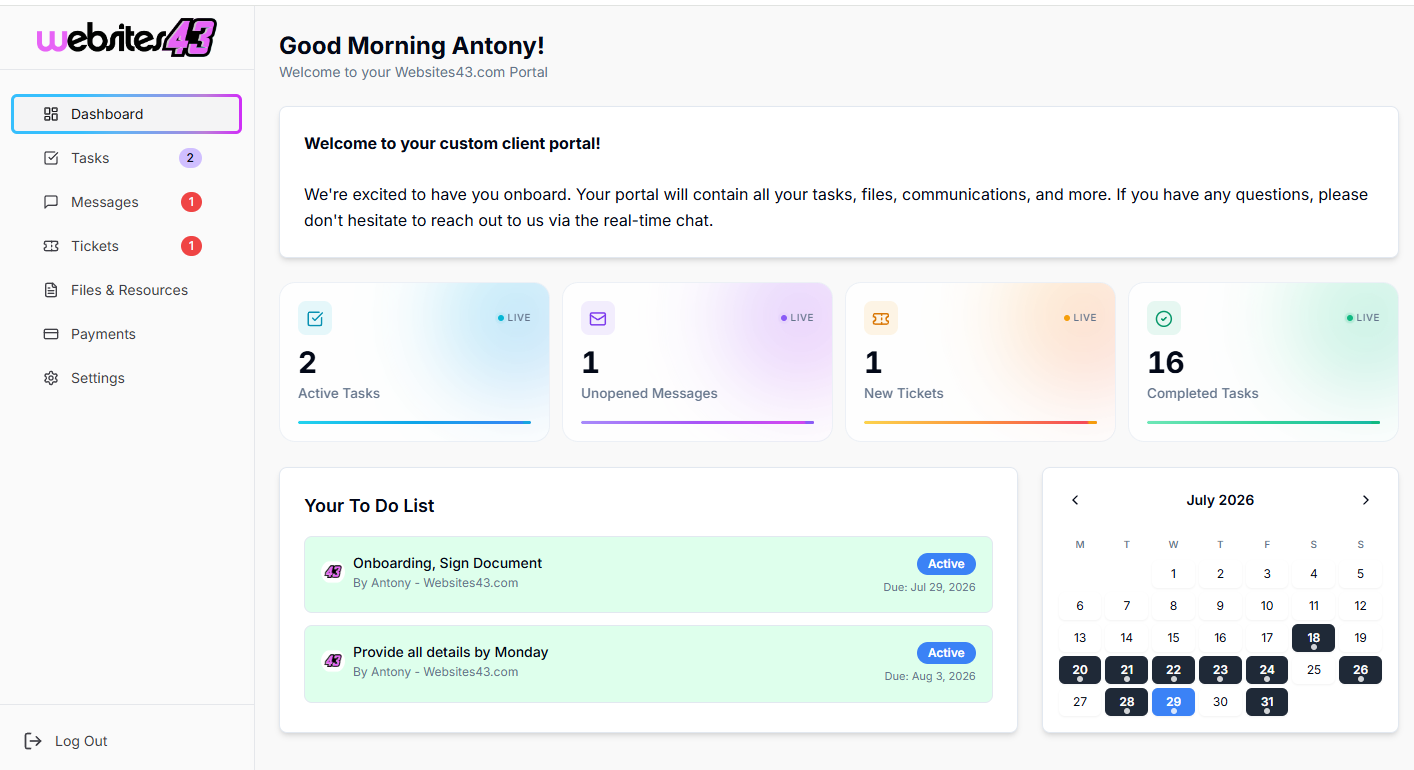
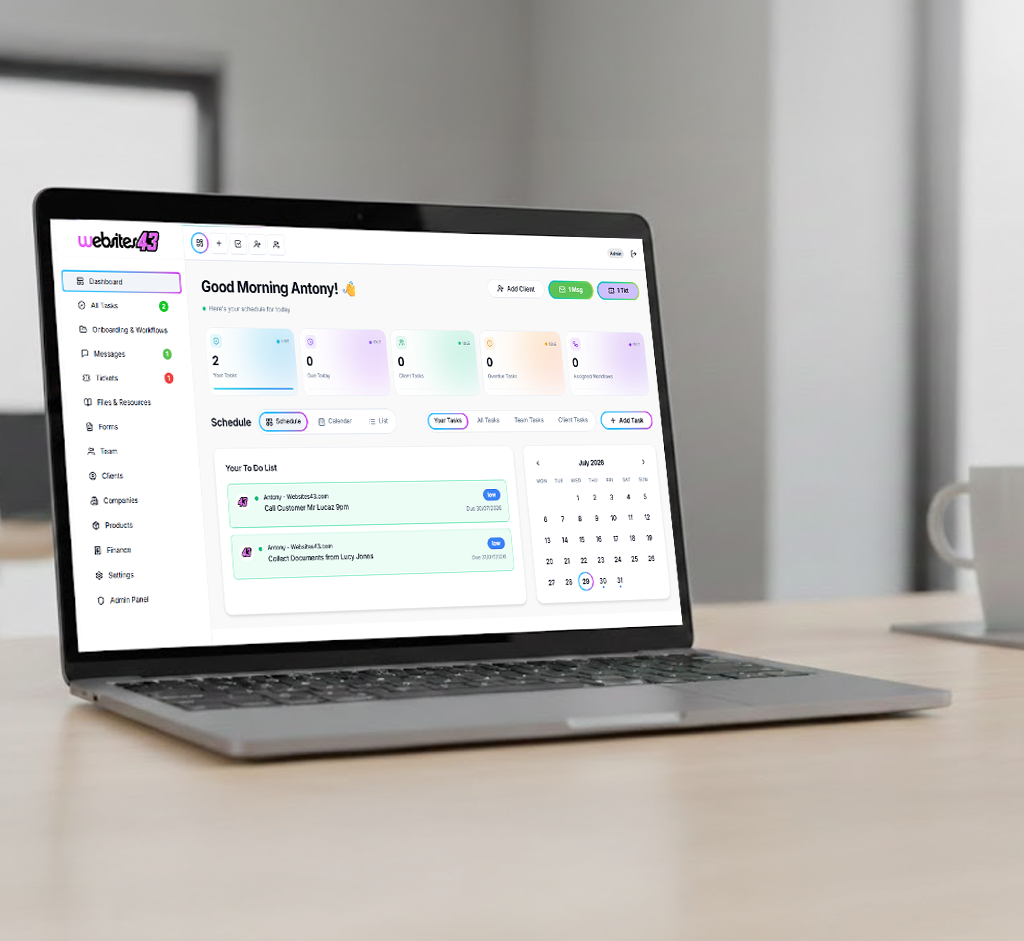
    The Hub is the dashboard you and your team will work from. The Portal is the client-facing dashboard where they get their tasks to complete, raise tickets, complete onboarding and more.

    For You & Your Team

    The Hub

    Your admin dashboard for managing clients, tasks, workflows, quotes and your whole team from one place.

    HaloTasker Hub admin dashboard shown on a laptopHaloTasker Hub dashboard detailed view
    Click to zoom
    For Your Clients

    The Portal

    The client-facing dashboard where they complete tasks, raise tickets, submit onboarding forms and stay in sync with you.

    HaloTasker client Portal dashboard shown on a laptopHaloTasker client Portal detailed view
    Click to zoom